Can You Mount an 85-Inch TV on Drywall? Weight, Studs & Mount Type
A drywall-finished wall may support an 85-inch TV through a suitable mounting system and verified structure. Screen size alone cannot establish compatibility.
Table of contents
Start with the model number and weight without the standIdentify the structure behind the painted surfaceMatch the mount to more than screen sizeChoose movement that the installation can supportPrepare the room and the information for the installerWhen to change the plan
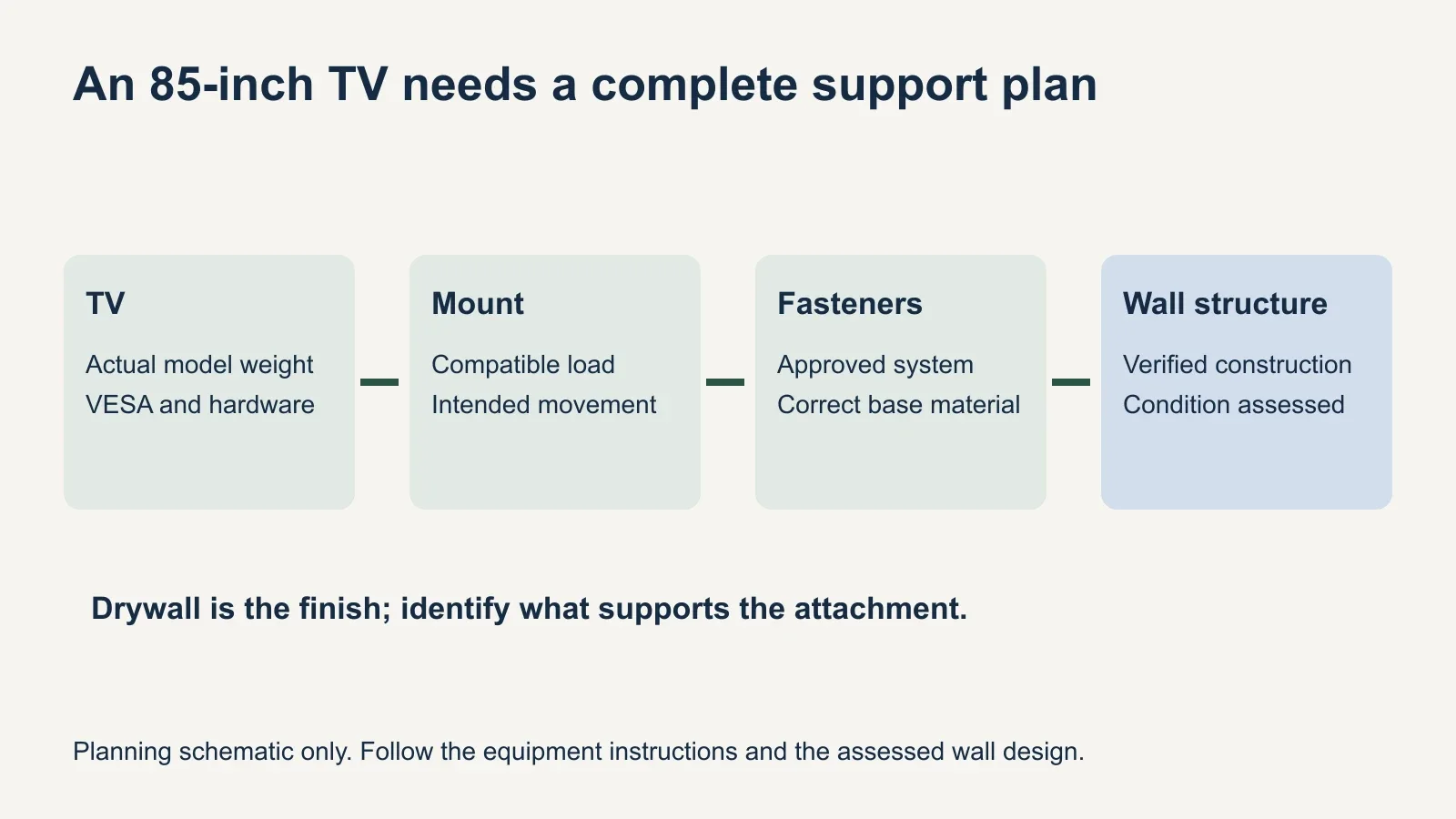
An 85-inch TV can be mounted on a drywall-finished wall when the mount attaches to suitable supporting structure and the complete installation meets the equipment instructions. That is different from asking the drywall sheet alone to carry the television. Check the exact TV weight, wall construction, bracket compatibility and intended movement before buying hardware. A mount advertised for 85-inch screens does not, by itself, approve your wall.
Start with the model number and weight without the stand
The screen diagonal describes size, not weight. Look up the full model number on the manufacturer’s US specification page or manual. Use the weight without the tabletop stand for the TV itself; shipping weight includes packaging and is a different measurement. Record accessories that will be supported by the TV mount, such as a compatible soundbar bracket and speaker.
| 85-inch model | TV without stand | VESA hole pattern |
|---|---|---|
| Sony BRAVIA 5 K-85XR50 | 102 lb | 400 × 400 mm |
| Sony BRAVIA 9 K-85XR90 | 115.5 lb | 400 × 400 mm |
These are examples from Sony’s US specifications, checked October 11, 2026, not a weight range for all 85-inch TVs. The second model weighs 13.5 pounds more even though both list the same mounting-hole pattern. Do not use either figure for a different model or assume that a newer television is lighter.
Compare the specified load with the mount’s rating using the manufacturer’s definition of supported weight. The wall also carries the bracket itself. Keep those checks separate: the mount’s TV capacity and the wall installation requirements describe different parts of the system. Meeting one number does not complete the assessment.
Identify the structure behind the painted surface
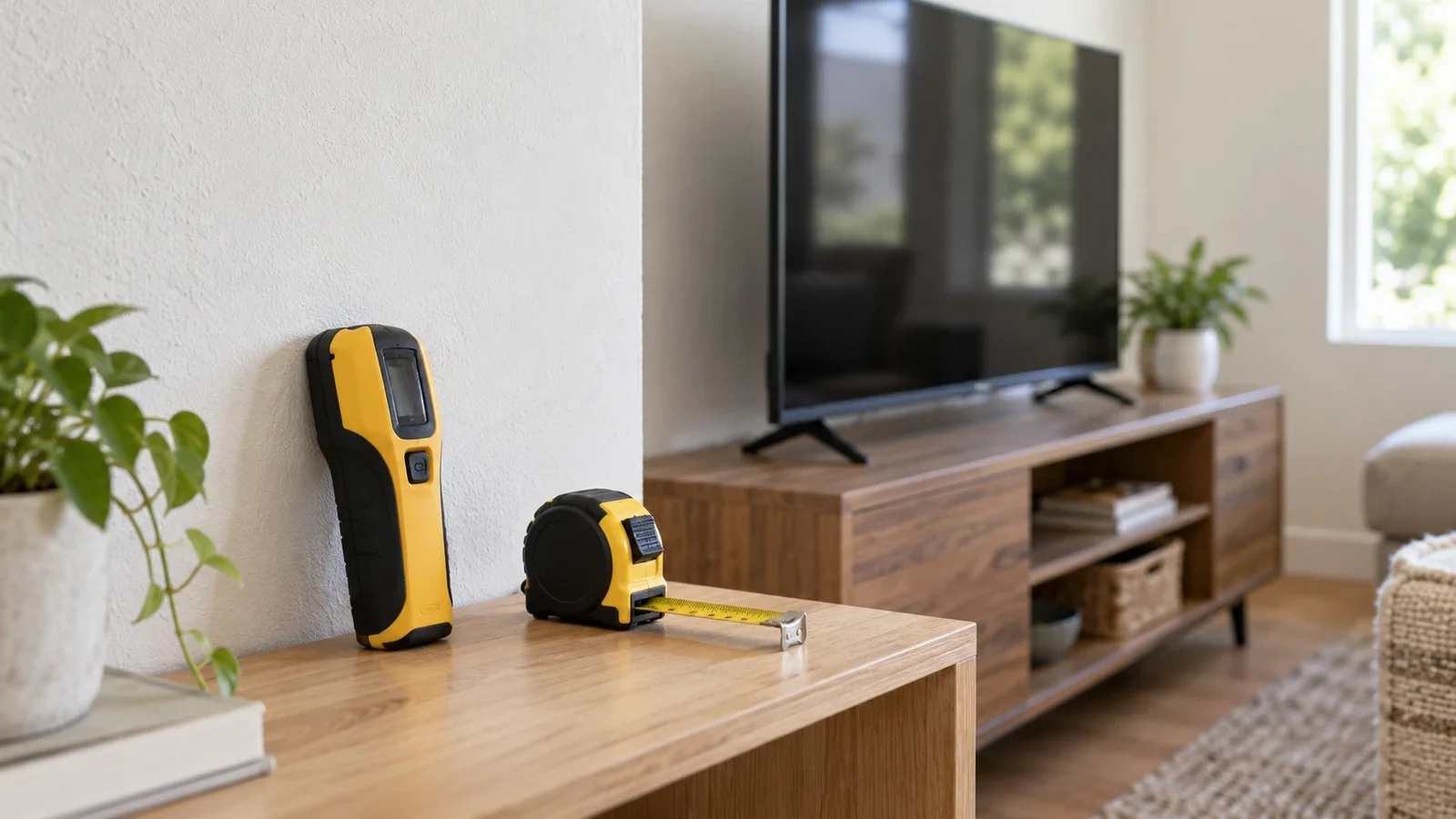
Drywall is the visible wall covering in many framed homes. Behind it may be wood studs, steel studs, added backing or an assembly you cannot identify from the room. A stud finder reading is a starting point for locating framing, not proof that the proposed fasteners and mount are appropriate.
For example, the SANUS VLF728 instructions prohibit installation into drywall alone and describe approved wood-stud, solid-concrete and concrete-block installations. That restriction belongs to that mount. It cannot be overridden by buying anchors with a large number printed on the package.
Have the installer confirm the framing material, condition, spacing and attachment locations before deciding that the wall is ready. A wall with steel studs needs an approved approach for that construction. If reinforcement or a different mounting position is needed, agree on that work before the installation visit proceeds.
Match the mount to more than screen size
VESA is the spacing between the mounting holes on the TV, stated horizontally and vertically in millimeters. Match that pattern to the bracket, then check the TV’s screw and spacer instructions, rear shape and connection locations. Two TVs with matching VESA dimensions can still require different hardware or clearances.
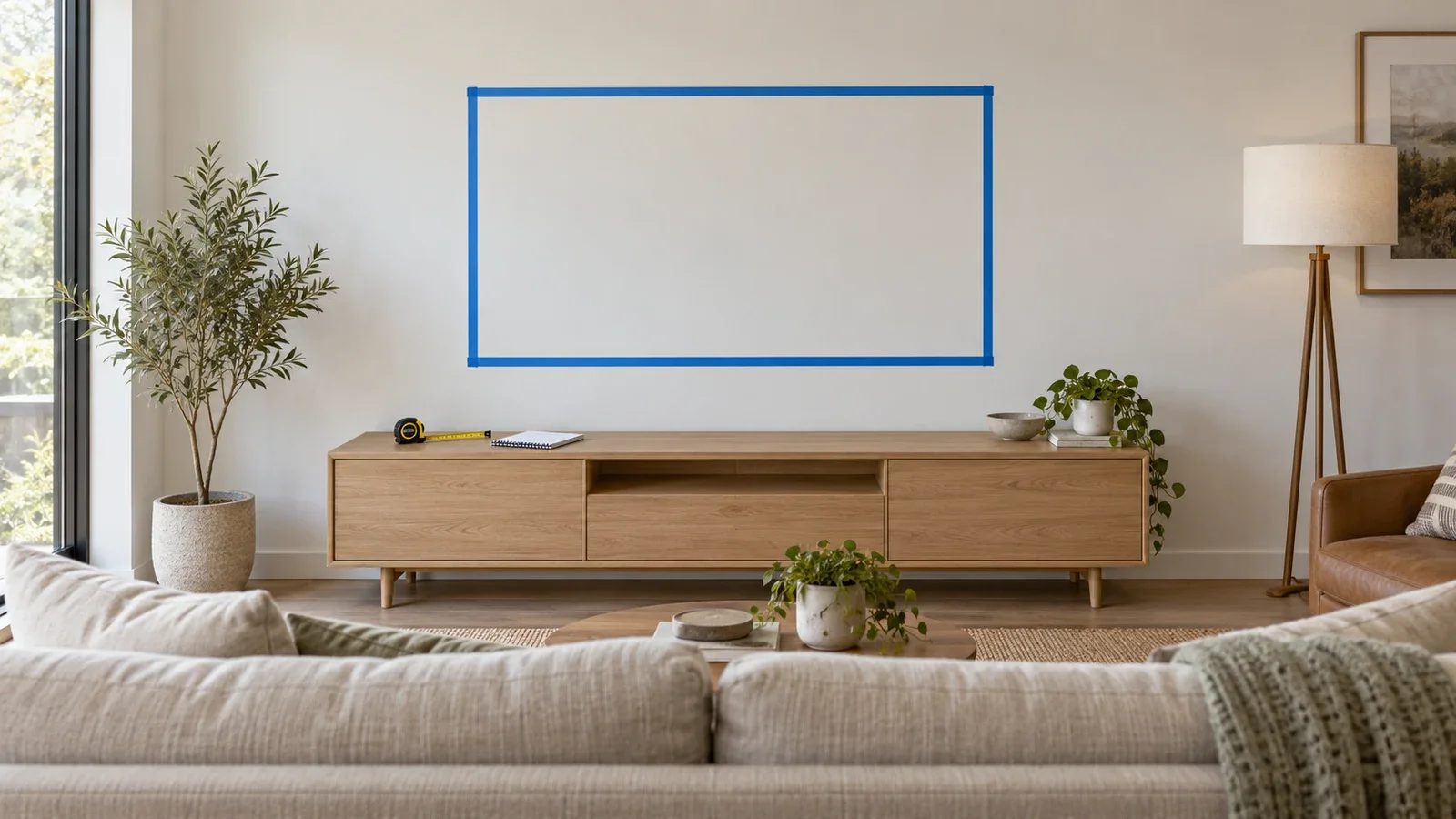
Also check how the wall plate aligns with the verified framing while placing the screen where you want it. A very wide TV may hide the plate, but that does not make any position behind the panel a suitable attachment point. The wall-plate location and the visible screen center are not necessarily the same.
A mount left by a previous resident needs the same review as a new purchase. Identify its model, condition and complete hardware, then check compatibility with your heavier or wider TV. A history of holding a smaller television is not evidence that the current installation is suitable for an 85-inch replacement.
Choose movement that the installation can support
A fixed mount holds one viewing direction. A tilting design angles the panel up or down within its specified range. A full-motion model adds extension and swivel. Select those functions for the room’s seating arrangement, then confirm the model is approved for the TV and wall.
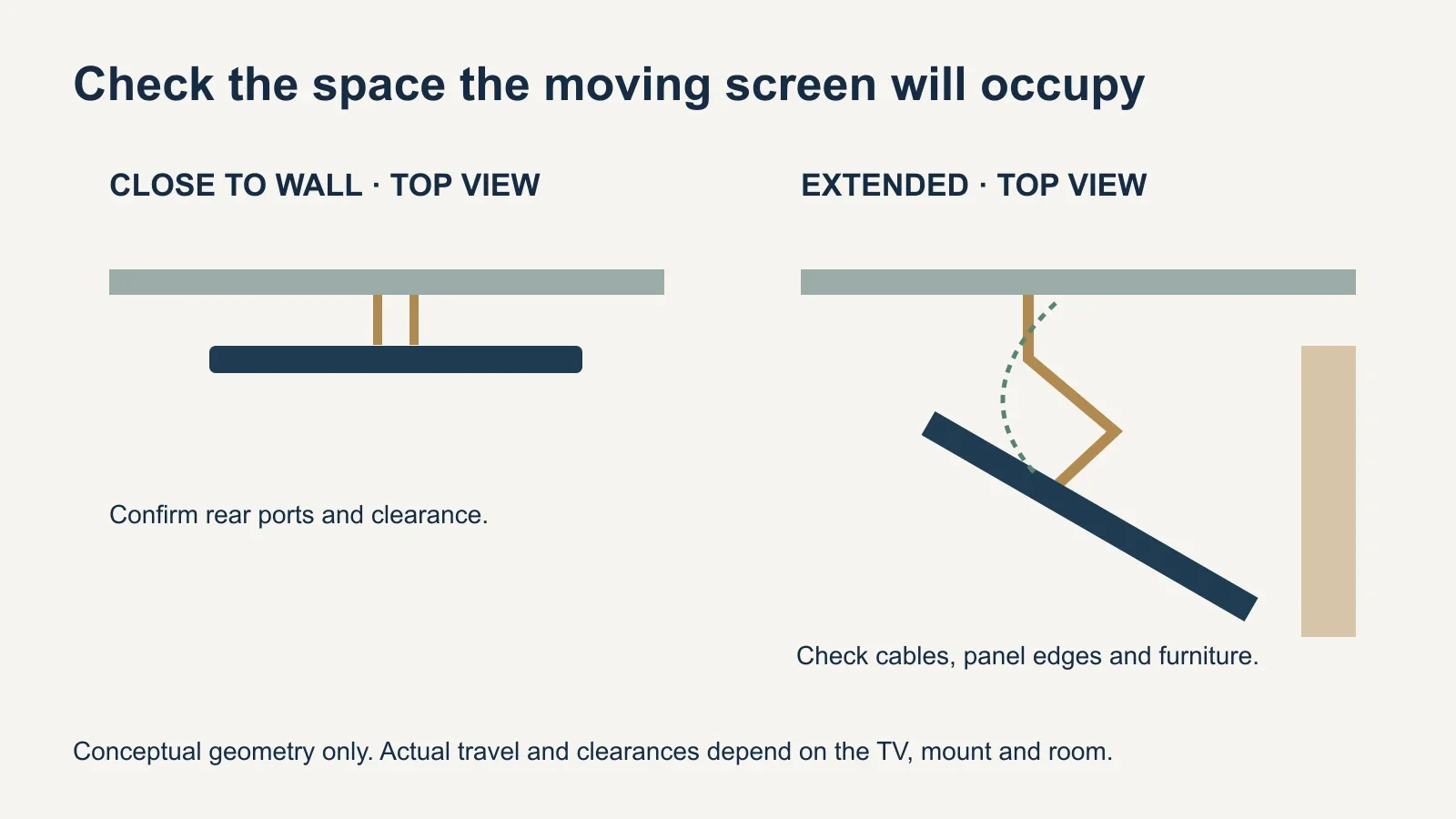
Extending a TV farther from the wall changes the turning effect on the attachment. This is why a close-to-wall installation should not be converted into an articulating one by swapping the bracket and keeping unverified anchors. The moving bracket’s own instructions govern the proposed installation throughout its travel.
The panel’s width also matters. An 85-inch screen may meet a nearby wall, cabinet or shelving before an arm reaches its advertised swivel angle. Check the actual TV outline, cable slack and any soundbar through the intended movement. A product’s maximum angle is not a guarantee of that angle with every screen.
Prepare the room and the information for the installer
- Share the exact TV and mount model numbers before the appointment.
- Provide wall photos and any known framing or backing information.
- Describe the preferred screen position and whether swivel or extension is needed.
- Identify soundbars, existing devices and the intended cable treatment.
- Clear a route and a stable work area suitable for handling the large panel.
- Confirm any reinforcement, electrical work or other additional scope separately.
Ask how the TV will be handled in accordance with its instructions, including any specified crew or lifting requirements. Do not assume the customer must help lift it. Mention stairs, narrow turns and furniture that limits access when arranging the visit, so the handling plan matches the room.
Confirm access to power and HDMI connections before the TV covers them. A close-fitting mount can make later changes inconvenient. UPTask offers surface plastic cable covers; concealed routing or a new outlet needs separate assessment. Specify the finish you expect rather than using “hide the wires” without explaining the route.
When to change the plan
Pause the proposed wall installation if the supporting construction cannot be verified, the wall is damaged, the bracket is unidentified or incompatible, or the desired movement conflicts with the equipment instructions. The next step may be a different mount, an assessed reinforcement plan, a different wall or a suitable TV stand.
The useful question is whether this TV, bracket and wall work together at the intended location. Review UPTask’s TV mounting service with those details ready, and confirm the configuration and any additional work before booking.