Fixed vs Tilt vs Full-Motion TV Mount: Which Installation Is Right for Your Wall?
Choose a mount by the movement you need, then verify that its wall attachment, TV compatibility and clearances work together. Category names are only the starting point.
Table of contents
Compare the movement before comparing pricesFixed mounts suit a viewing position you can commit toTilting mounts address vertical angle, with exceptionsFull motion adds flexibility and a larger clearance checkThe wall can limit which mount you can useTest the room with a simple viewing planConfirm what the installation includes
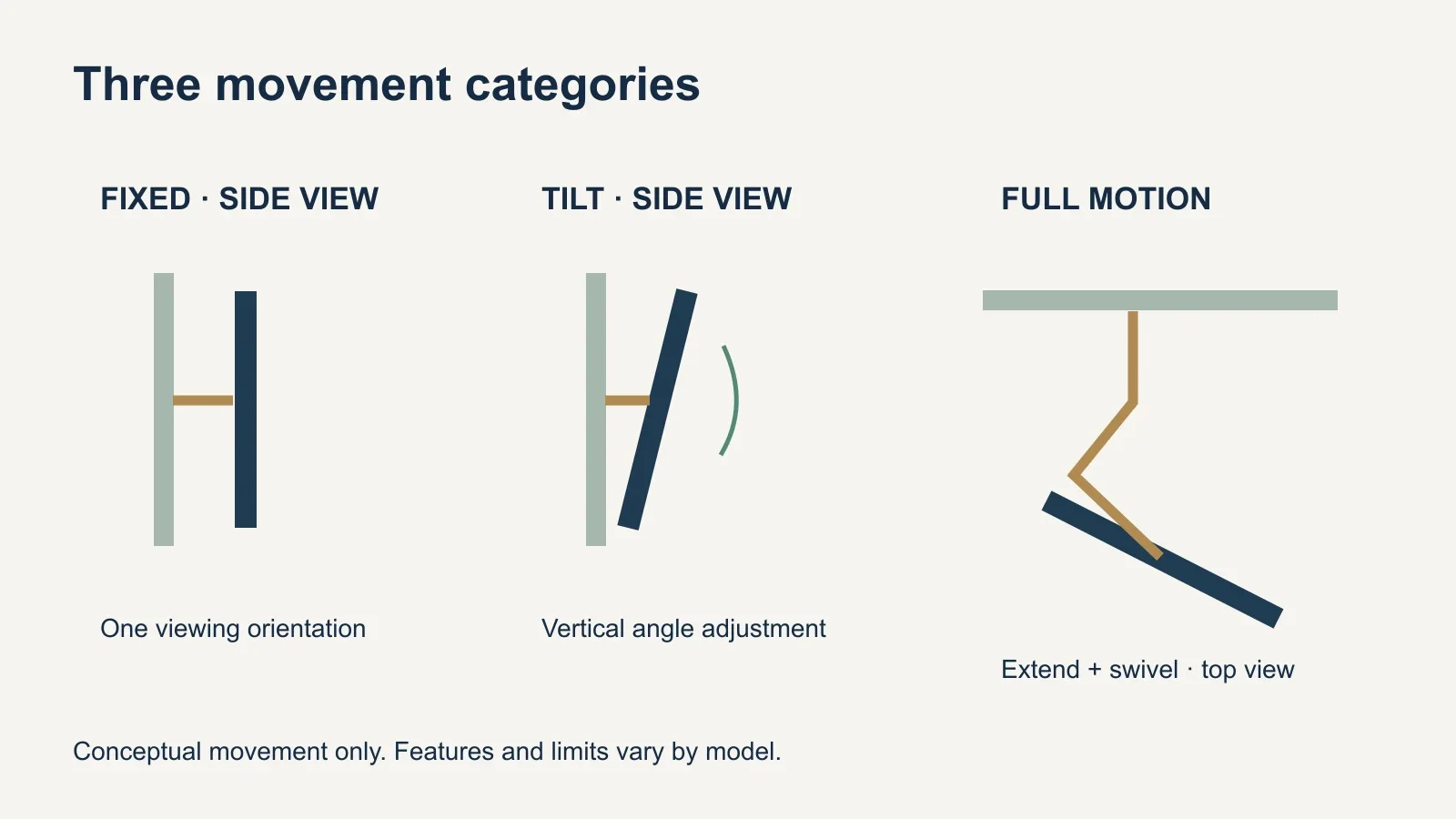
Choose a fixed mount for one established viewing direction, a tilting mount when vertical angle adjustment is useful, and full motion when the TV must turn toward different seats. Then check the exact model against your TV and wall. Movement features do not establish attachment suitability, and “tilting” does not always mean tilt only. The best choice provides the adjustments you will use within the space your room actually allows.
Compare the movement before comparing prices
| Mount type | Main adjustment | Useful situation | Main planning constraint |
|---|---|---|---|
| Fixed | Screen stays in one viewing orientation | A primary seating area faces the TV | Rear access and precise initial placement |
| Tilting | Vertical screen angle | Modest angle adjustment or reflection control | Tilt range and edge clearance |
| Full motion | Extension, swivel and usually tilt | Different viewing directions or a suitable corner layout | Wall approval, panel travel and moving cables |
These are functional categories, not standardized packages of features. A fixed mount may offer a temporary access position or a small leveling adjustment without becoming a swivel mount. A tilting model may include limited extension. Compare the actual dimensions and adjustments rather than deciding from the product label alone.
Separate everyday movement from installation adjustments. Sliding a TV along a wall plate to center it during setup is not the same as turning it toward a chair whenever you sit down. Likewise, post-installation leveling corrects a slight rotation; it does not necessarily provide usable height adjustment after the holes are drilled.
Fixed mounts suit a viewing position you can commit to
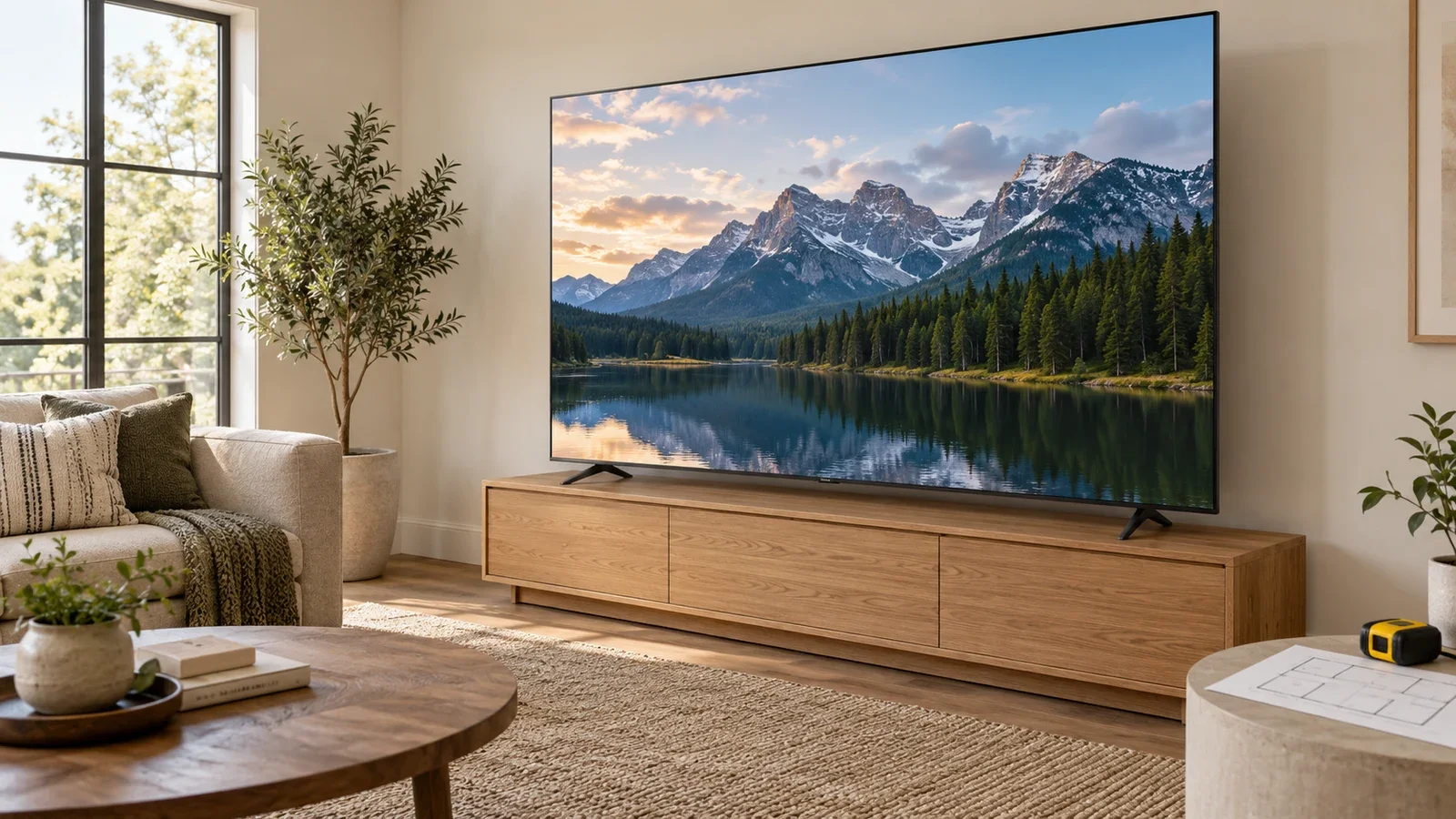
A fixed design is worth considering when the main seating faces the screen and you already know the desired height. Its appeal is a steady position and, on many models, a shallow profile. The practical question is whether that position still works when everyone uses the room normally, including people at the ends of the sofa.
Before choosing an especially slim bracket, check the TV’s rear connections, plug orientation and required clearance. A connector facing straight backward may need more room than one facing sideways. The thickness of the television, approved spacers and cable routing also affect the finished distance from the wall; the bracket’s depth alone is not the total projection.
Plan future access. If you regularly swap devices, find out how the mount releases and whether connections can be reached without removing the TV. A temporary access feature may be enough. If removal is required, follow the equipment’s handling instructions instead of assuming one person can unhook a large panel safely.
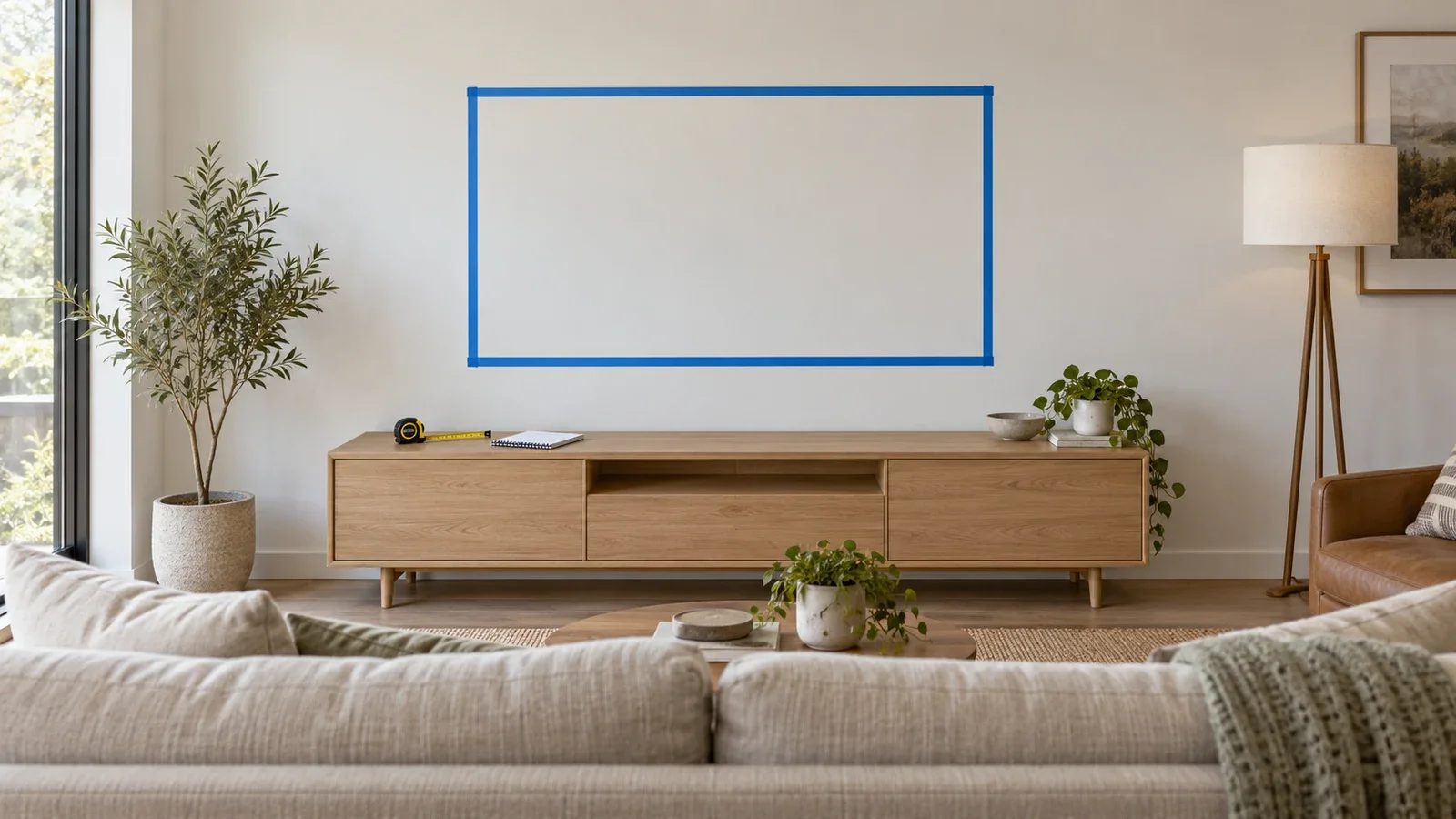
A fixed mount does not correct a poorly chosen position. Use a temporary outline of the actual TV on the wall and sit in the intended seats before installation. If the screen needs to face two separate areas, deciding that now is more useful than buying the shallowest bracket and hoping the viewing angle will work.
Tilting mounts address vertical angle, with exceptions
Tilting changes the direction the panel faces in a vertical plane. It can be useful when the preferred installation is somewhat above the main viewing position or when a small angle change alters a reflection. It does not lower the screen itself, move a cabinet, or guarantee that a window will stop reflecting in the display.
Check the available tilt with your actual screen dimensions. As the panel rotates, an edge moves toward the wall. The TV’s depth, mounting-hole position and bracket geometry can restrict usable motion. A number advertised for the mount should be checked against the complete installation, especially with a large screen.
Some products blur the category boundaries. SANUS lists its VLT7 as an advanced tilting mount but specifies 6.8 inches of extension and up to 15 degrees of swivel in either direction. Those are features of that model, checked October 11, 2026; they are not standard capabilities of every tilt mount.
That makes a specification comparison more useful than a simple tilt-versus-swivel label. If you need a small side adjustment plus connection access, a particular advanced tilt model might meet the brief. If you need the screen to face an adjoining area, its limited swivel may be insufficient. Verify the movement you actually need before choosing.
Full motion adds flexibility and a larger clearance check
An articulating arm lets the screen move out from the wall and change direction. That can serve a sofa and an angled chair, or a seating area and an adjoining kitchen. Start by identifying the direction you need from each position; the presence of an arm does not guarantee a useful view around every corner.
Compare maximum extension, retracted depth and the stated swivel range as separate specifications. For example, ECHOGEAR lists 22 inches of extension for its EGLF2, while SANUS lists 28 inches for the VLF728. These are manufacturer-listed model examples checked October 11, 2026, not a recommendation or a promise that either fits your room.
The TV’s width matters because its edge can meet the wall or nearby shelving before the bracket reaches a listed angle. A corner arrangement also needs room on both sides. Map the screen outline at the intended viewing positions, including any attached soundbar, instead of considering only the arm’s center point.
Cables must accommodate the intended movement without becoming taut or trapped. Plan the route from the TV to fixed outlets and devices, and check it with the screen retracted and extended. Excess cable should also be managed so it does not catch in the mechanism. Follow the mount’s cable-routing instructions.
The wall can limit which mount you can use
A bracket must be approved for the TV’s supported load, mounting-hole pattern and the actual wall installation. VESA describes the horizontal and vertical spacing of the holes on the TV; it is one compatibility check, not a wall-load rating. Include any accessories carried by the bracket according to its instructions.
More movement is not a workaround for uncertain support. Moving a load farther from the wall changes its turning effect on the attachment. Confirm the chosen model’s approved construction and hardware before installation. An existing fixed bracket’s fasteners cannot automatically be reused for a new articulating mount.
Steel framing deserves a specific review. For example, ECHOGEAR’s EGHWSS kit is limited to compatible fixed and tilting installations. That restriction does not establish a universal ban on every full-motion design; it means a different setup needs its own approved solution. Read more about TV mounting on metal studs.
The same appearance can conceal different construction. A painted finish, brick facing or patched wall does not tell you what will support the bracket. If the structure or attachment cannot be confirmed, discuss assessment, reinforcement or another location before buying a mount around the preferred look.
Test the room with a simple viewing plan
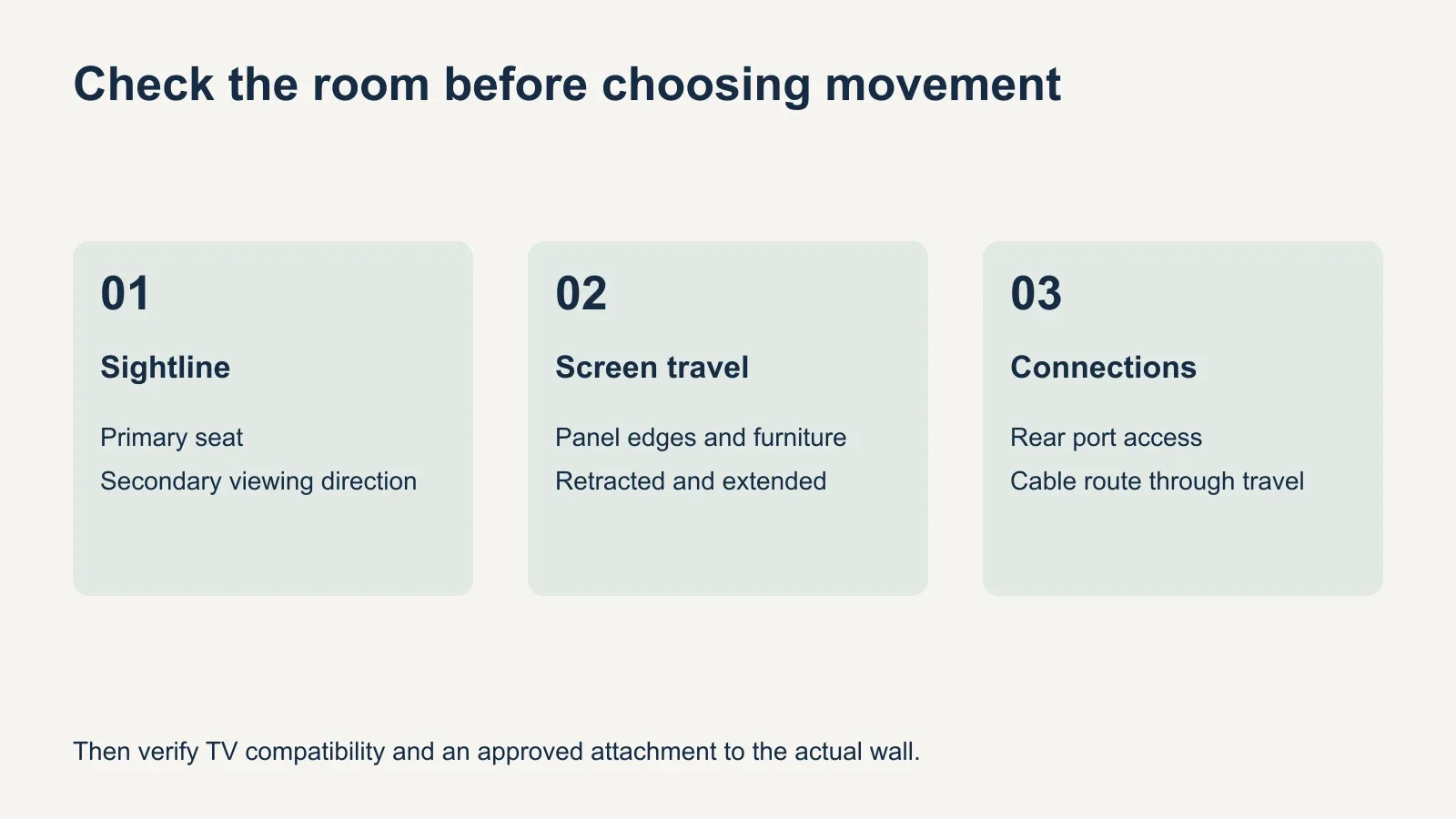
- Identify the main viewing seat and any secondary position that matters.
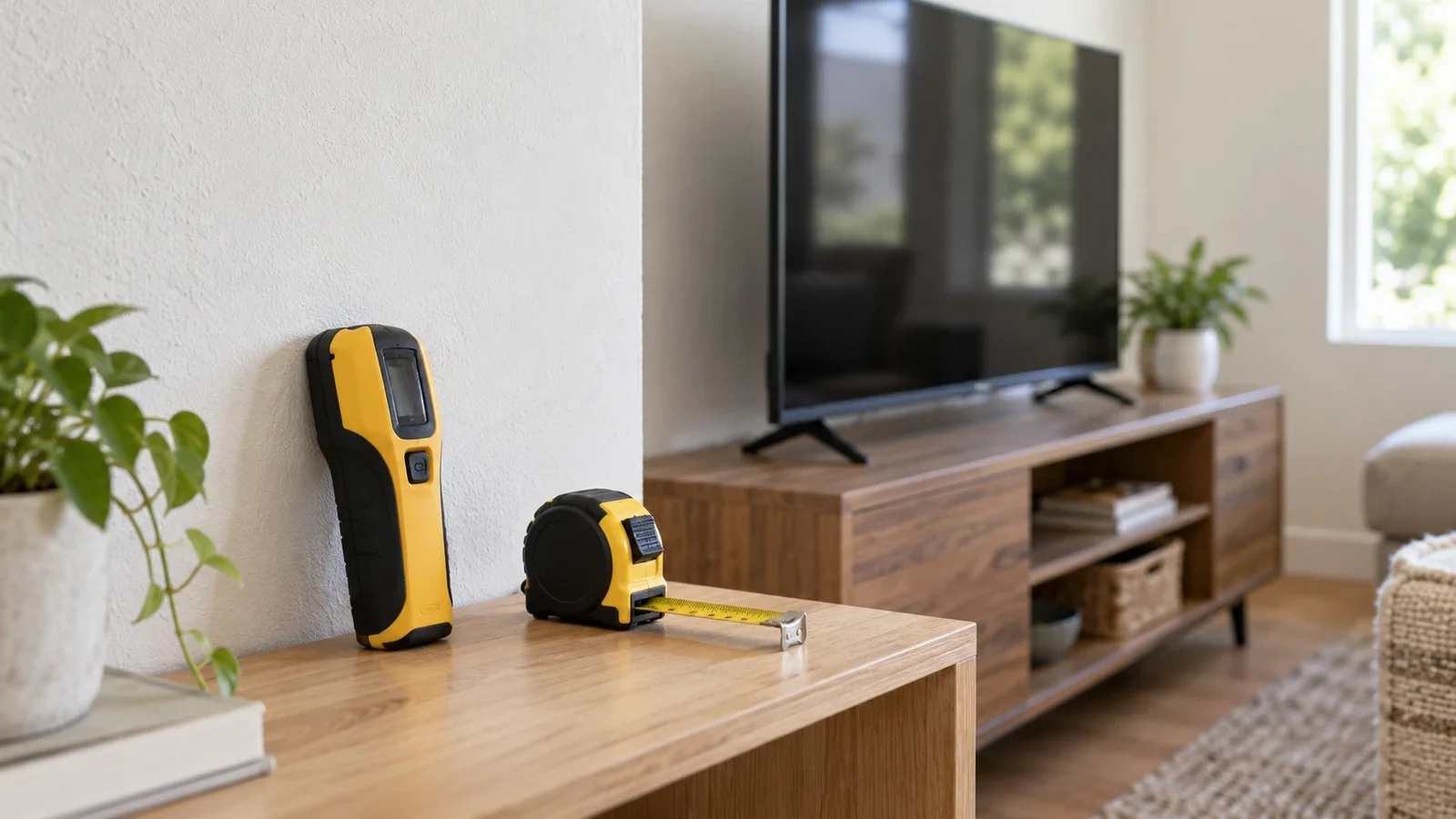
- Mark the actual screen outline at a candidate height with a removable method suitable for the wall finish.
- Check sightlines, reflections and nearby furniture from those positions.
- List the smallest set of adjustments that would solve the remaining problem.
- Compare compatible models for those adjustments, wall approval and connection access.
- Confirm the final screen position and movement envelope with the installer.
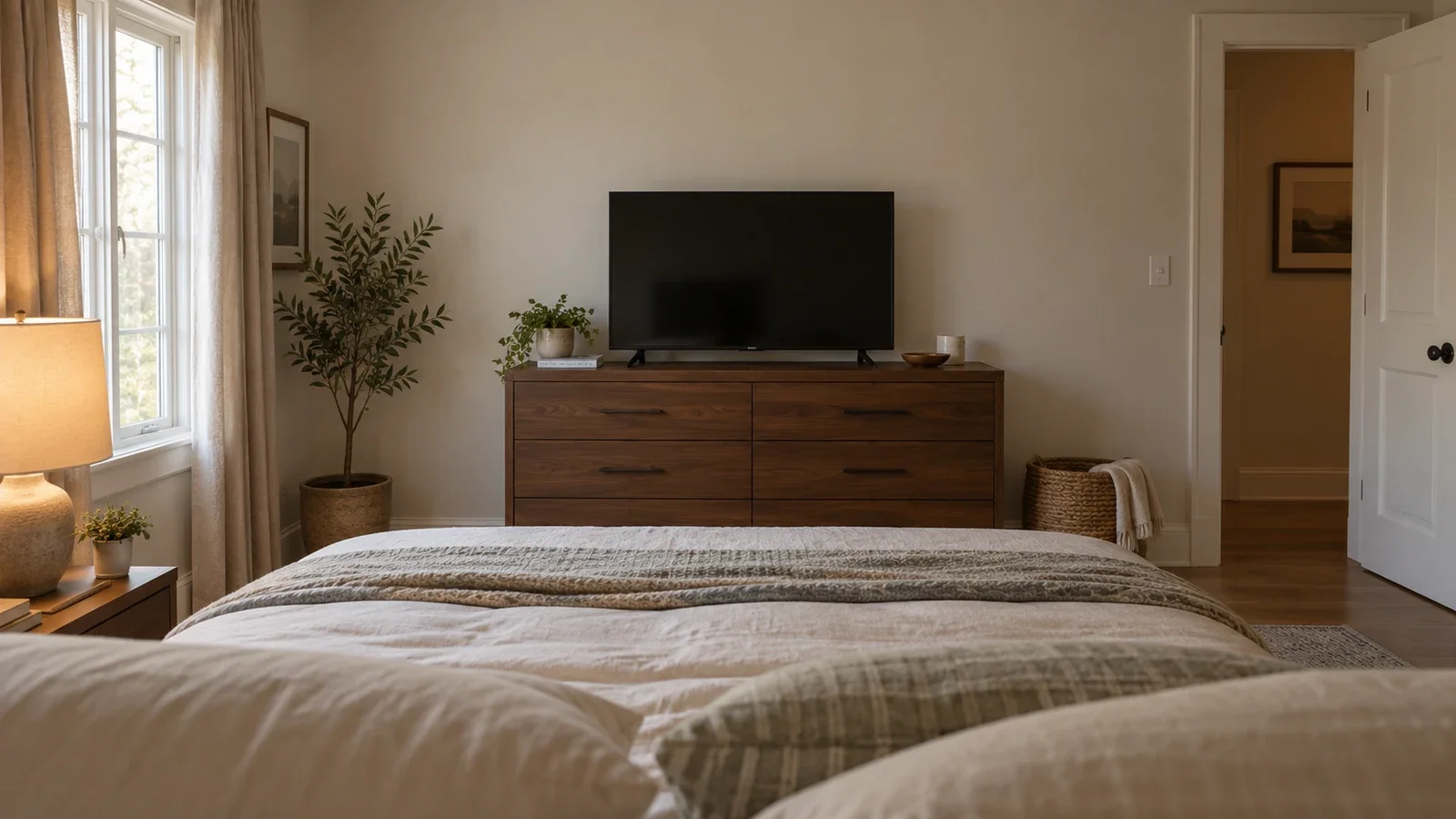
Consider a hypothetical room with a sofa directly opposite the TV and a side chair used occasionally. If both seats already have an acceptable view, a fixed mount may satisfy the brief. If only the side chair needs the screen redirected, swivel becomes the relevant feature. If the concern is a reflection from a lamp, first test the lighting and angle rather than assuming maximum extension is necessary.
Keep fireplace placement as a separate decision. A mount that tilts or swivels cannot establish acceptable heat exposure, appliance clearances or wall suitability. The guide to mounting a TV above a fireplace explains the additional checks before that location is considered.
Confirm what the installation includes
Ask whether you are supplying the mount or selecting an available bracket through the service. Confirm the actual model, the approved mounting method and the expected finished position. Cable covers, soundbar mounting, reinforcement and electrical changes should each have a clear scope rather than being assumed from the words “TV installation.”
UPTask’s service supports customer-supplied compatible mounts and offers tilt and full-motion options. Review TV mounting service details with your TV model, wall photos and required adjustments ready. Agree on the configuration and any additional work before booking; the mount category alone is not a complete installation plan.