How Much Does It Cost to Hide TV Wires? In-Wall vs Raceway Options
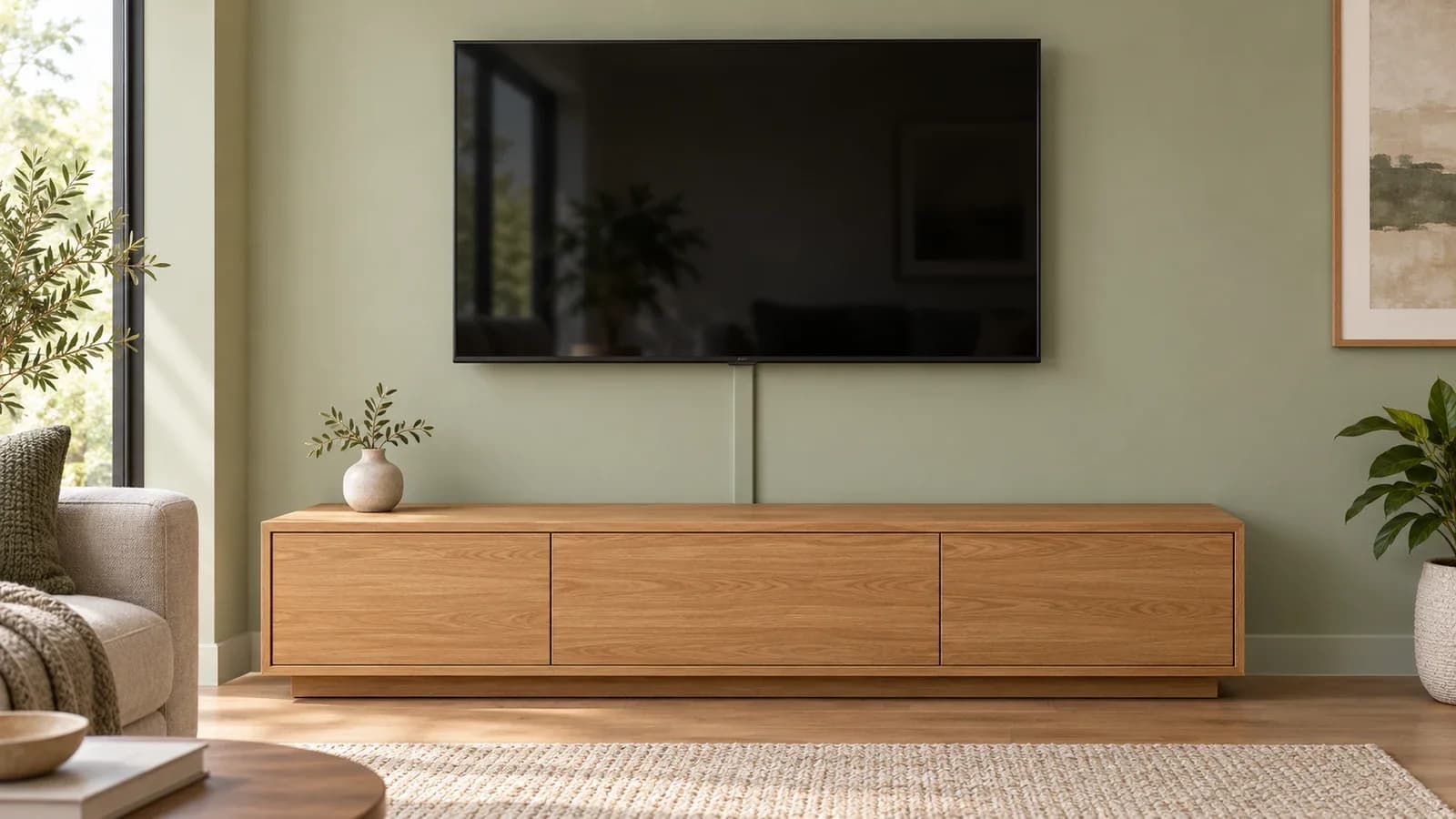
Surface cable covers and in-wall routing have different costs and requirements. Compare the full scope, including power, materials, access and wall finishing.
Practical tv mounting advice, helpful planning checklists, and ideas for your next home project.


Surface cable covers and in-wall routing have different costs and requirements. Compare the full scope, including power, materials, access and wall finishing.
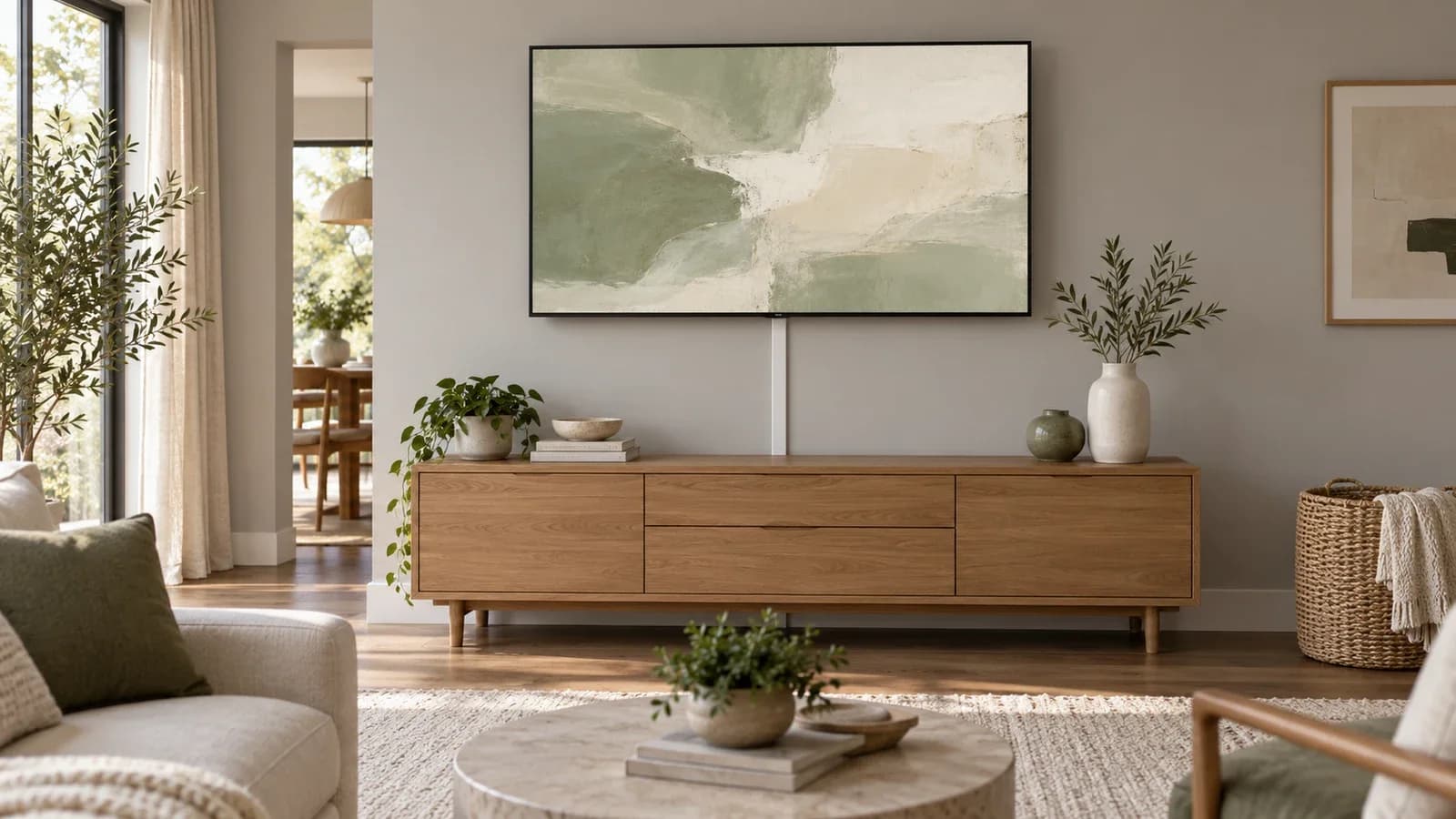
TV MountingThe Frame’s installation plan depends on its exact model: wired One Connect, Wireless One Connect and built-in connections require different cable and power arrangements.
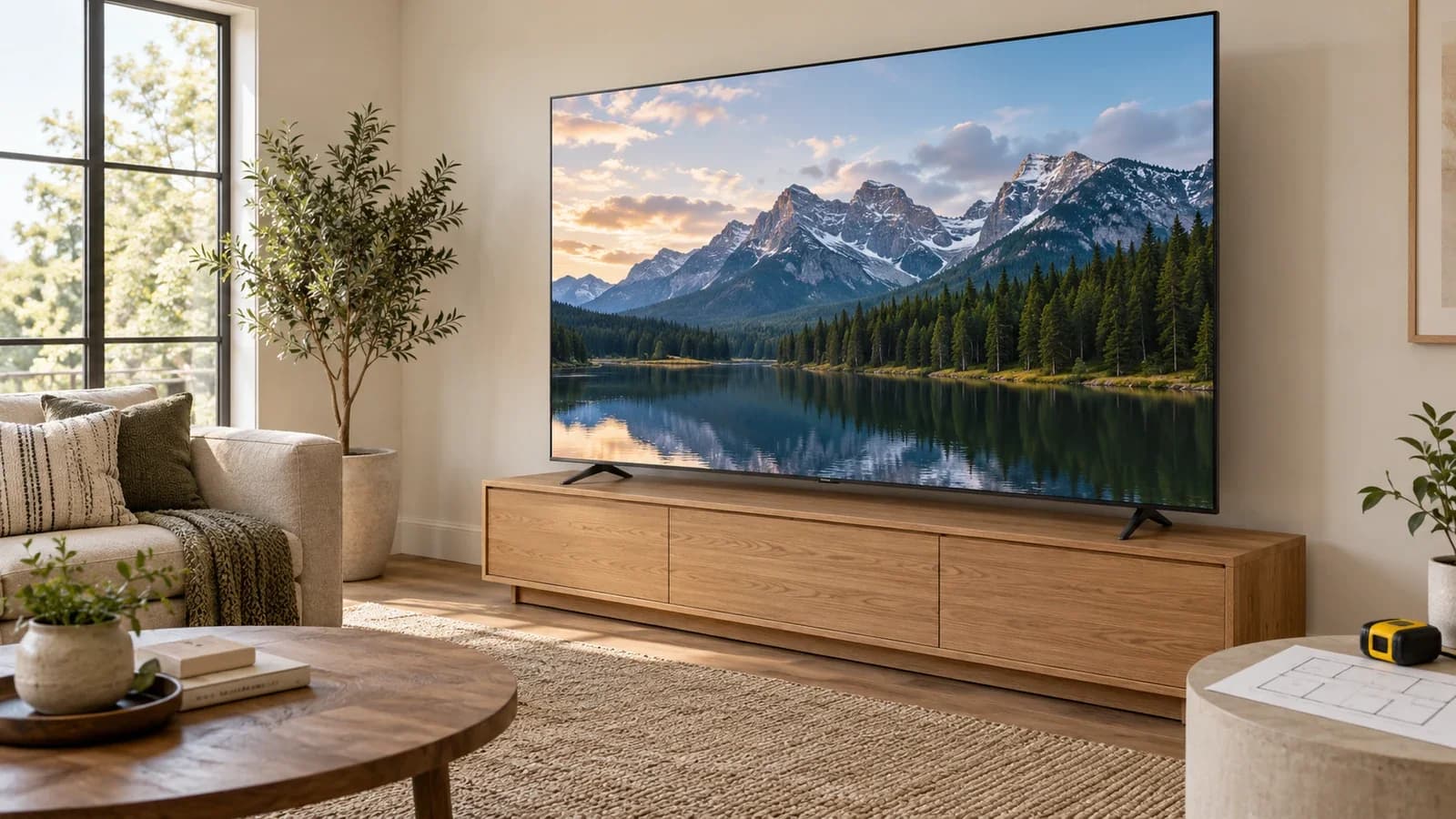
TV MountingAn oversized TV needs more than a mount labeled “up to 100 inches.” Check its actual weight, mounting interface, supporting wall, delivery route and handling requirements together.
TV MountingAn existing wall mount may work with a replacement TV, but matching the screen size is only the beginning. Use this checklist before reusing the bracket or its hardware.
TV MountingA surface cord cover, a shorter cable route and thoughtful console placement can tidy a TV setup without opening drywall. Plan the power connection and moving cables first.
TV MountingIdentify the mount’s release mechanism, prepare a safe landing place and arrange the right help before lifting. Fixed, tilt and full-motion mounts can unlock in different ways.
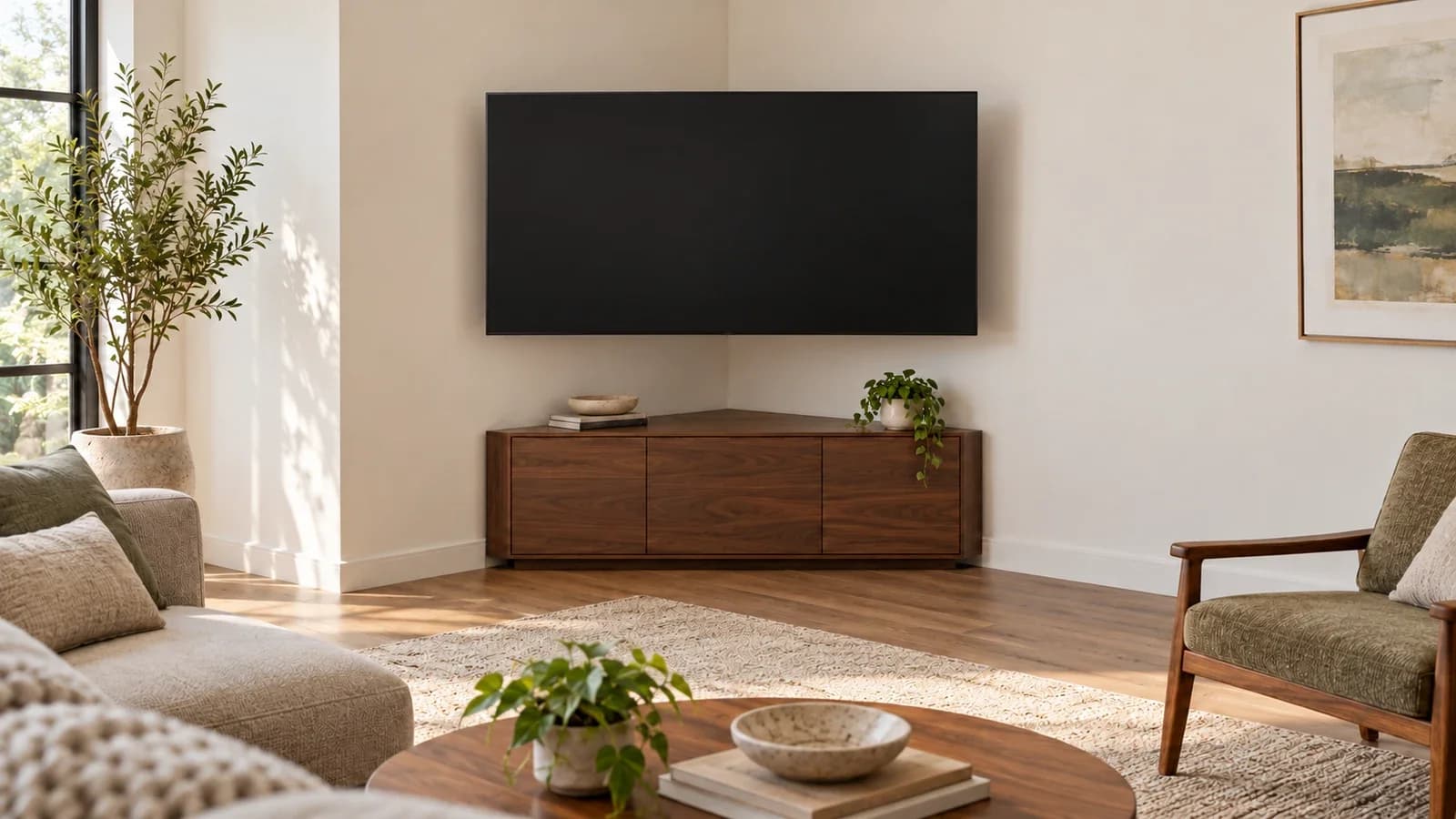
TV MountingA corner TV installation can work with the right mount and wall support. Check the real screen width, arm geometry and cable clearance before committing to a location.
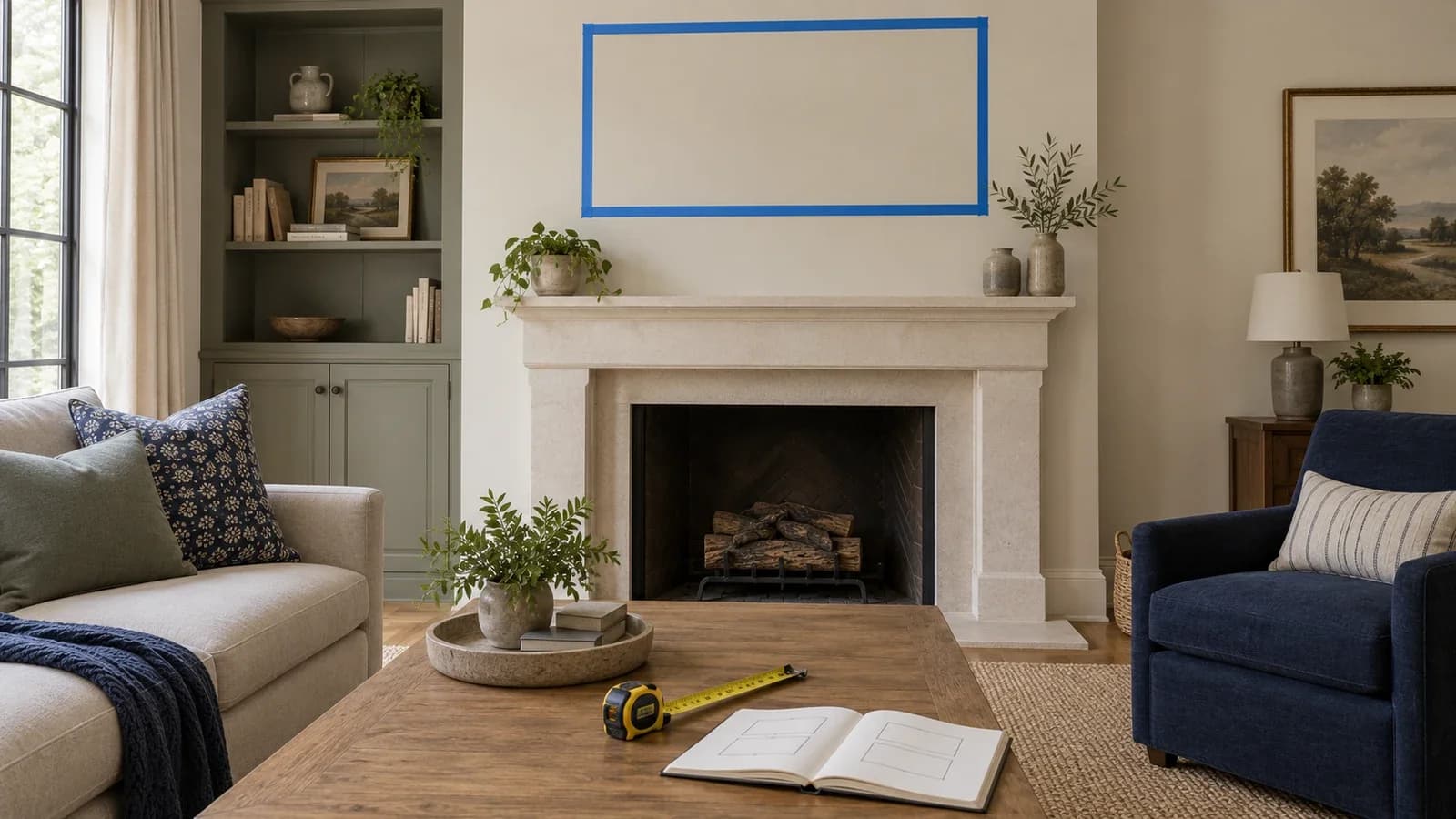
TV MountingChoose an above-fireplace TV position by reconciling equipment clearances with the actual screen dimensions and viewing position. A fixed gap above the mantel is not enough.
TV MountingA drywall-finished wall may support an 85-inch TV through a suitable mounting system and verified structure. Screen size alone cannot establish compatibility.