Do You Need Studs to Mount a TV? When Drywall Anchors Can and Can’t Be Used
Many TV mounts require attachment to studs or approved masonry. A purpose-built no-stud system is a separate option with specific wall and load requirements.
Table of contents
Read the wall requirements before choosing anchorsSeparate three very different meanings of “no studs”A purpose-built no-stud mount has its own rulesWhy the number on an anchor package is not enoughWhat to do when the framing is in the wrong placeBring the wall information to the installation discussion
Many TV mounts require studs on a framed wall, but not every approved installation does. Suitable masonry, assessed backing or a purpose-built no-stud system may provide another route. The correct answer comes from the mount’s instructions and the actual wall assembly. Generic drywall anchors do not make a stud-required bracket suitable for drywall alone, even when their packaging lists a weight greater than the TV’s.
Read the wall requirements before choosing anchors
Start with the exact mount model and its installation manual. Look for permitted wall materials, the attachment method and any restrictions on movement. “Fits your TV” normally addresses equipment compatibility; it does not establish that the bracket can attach anywhere on your wall. Keep the TV’s own instructions available as well.
For example, SANUS VLF728 instructions identify wood studs, solid concrete and concrete block as supported installation types and prohibit drywall-only mounting. That is a model-specific restriction. Choosing a different fastener package does not expand the bracket’s approved wall types.
A stud is part of the framing behind the wall finish. Finding one does not finish the assessment: wood and steel require different approved approaches, and its position may not line up with your preferred screen center. For that distinction, see the guide to TV mounting on metal studs.
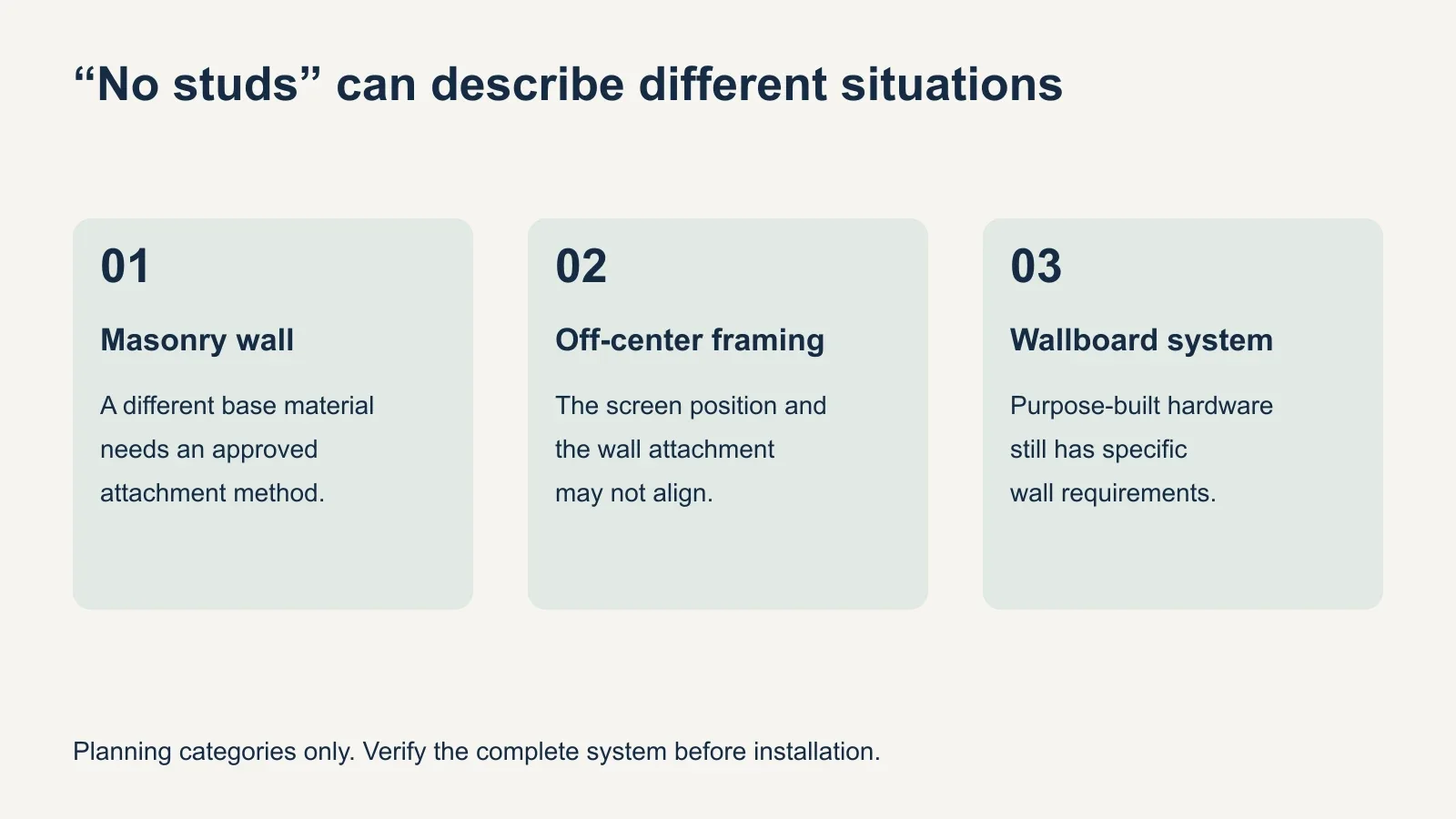
Separate three very different meanings of “no studs”
| Situation | What may carry the mount | What must be checked |
|---|---|---|
| No framing studs in the wall | Suitable masonry | Actual wall construction and approved attachment |
| No stud behind the desired screen center | Studs elsewhere or assessed backing | Wall-plate position and permitted mounting layout |
| No fasteners driven into studs | A purpose-built wallboard system | Every condition in that system’s manual |
A masonry installation is not a drywall-anchor exception. It uses a different base material and must follow the relevant equipment instructions. A decorative facing can also hide a different supporting wall, so the visible surface alone is insufficient. The brick-wall TV mounting guide explains that distinction.
Likewise, a TV centered between studs may still use a bracket attached to framing. Some mounts allow the screen or wall plate to shift within defined limits. Review the actual bracket geometry before concluding that the only choices are an off-center television or unsupported drywall anchors.
A purpose-built no-stud mount has its own rules
These products exist, but their approval belongs to the complete system. One example is the SANUS HLL1. Its manual lists a 100-pound TV-and-accessory limit for its drywall installation, with requirements for wallboard thickness, supporting framing, wall condition and the supplied nail arrangement. The higher load listed for other wall types does not apply to drywall.
The HLL1 instructions exclude plaster-and-lath walls and prohibit mounting over patched areas or seams. They also require all specified supplied nails. This example is not an installation recipe: obtain the current manual and check every condition for your wall and equipment. Do not borrow its load limit or attachment pattern for another bracket.
Notice that a no-stud fastening method can still depend on how the drywall is supported by framing. It does not mean any unsupported sheet, damaged surface or unknown wall assembly is suitable. A wall covering that looks sound from the room may still need assessment before the system can be approved for that location.
Why the number on an anchor package is not enough
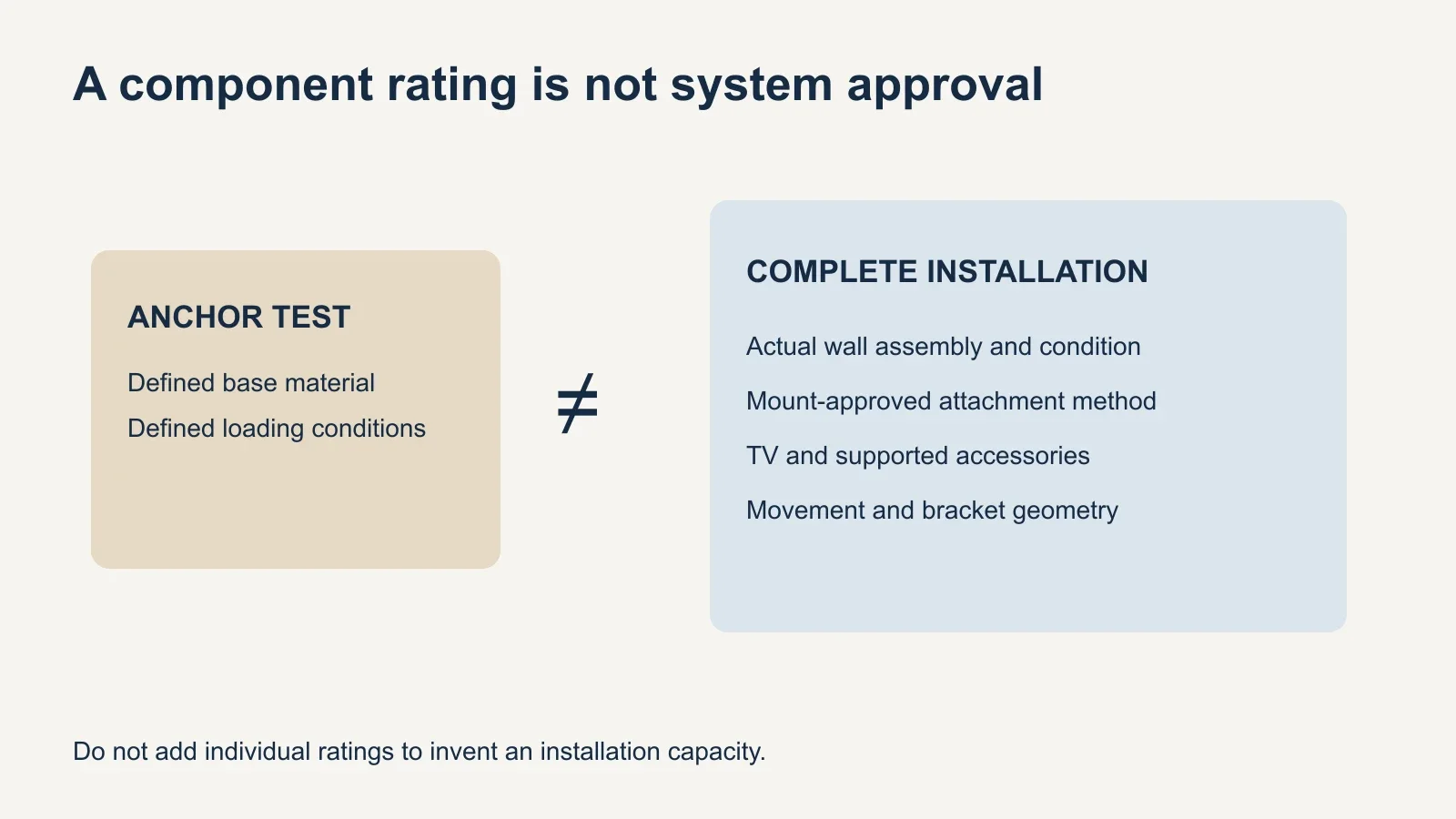
An anchor’s rating describes particular test conditions, materials and loading. TOGGLER distinguishes laboratory failure loads from working loads in its guidance. It also explains that extending the supported object away from the wall changes the loading. A large package number is therefore not a ready-made TV installation capacity.
Do not multiply one anchor’s advertised rating by the number of holes and treat the result as an approved system rating. That calculation does not verify the wall condition, load sharing, bracket behavior or the manufacturer’s attachment requirements. A full-motion arm adds another reason to assess the proposed arrangement as a whole.
The word “toggle” also leaves out important context. ECHOGEAR’s EGHWSS steel-stud kit is specified for compatible fixed or tilting installations and requires attachment at steel studs. That is different from putting the same style of fastener through drywall somewhere between the studs. Hardware appearance cannot establish equivalent support.
What to do when the framing is in the wrong place
- Record the exact TV and mount models, including TV weight without its stand.
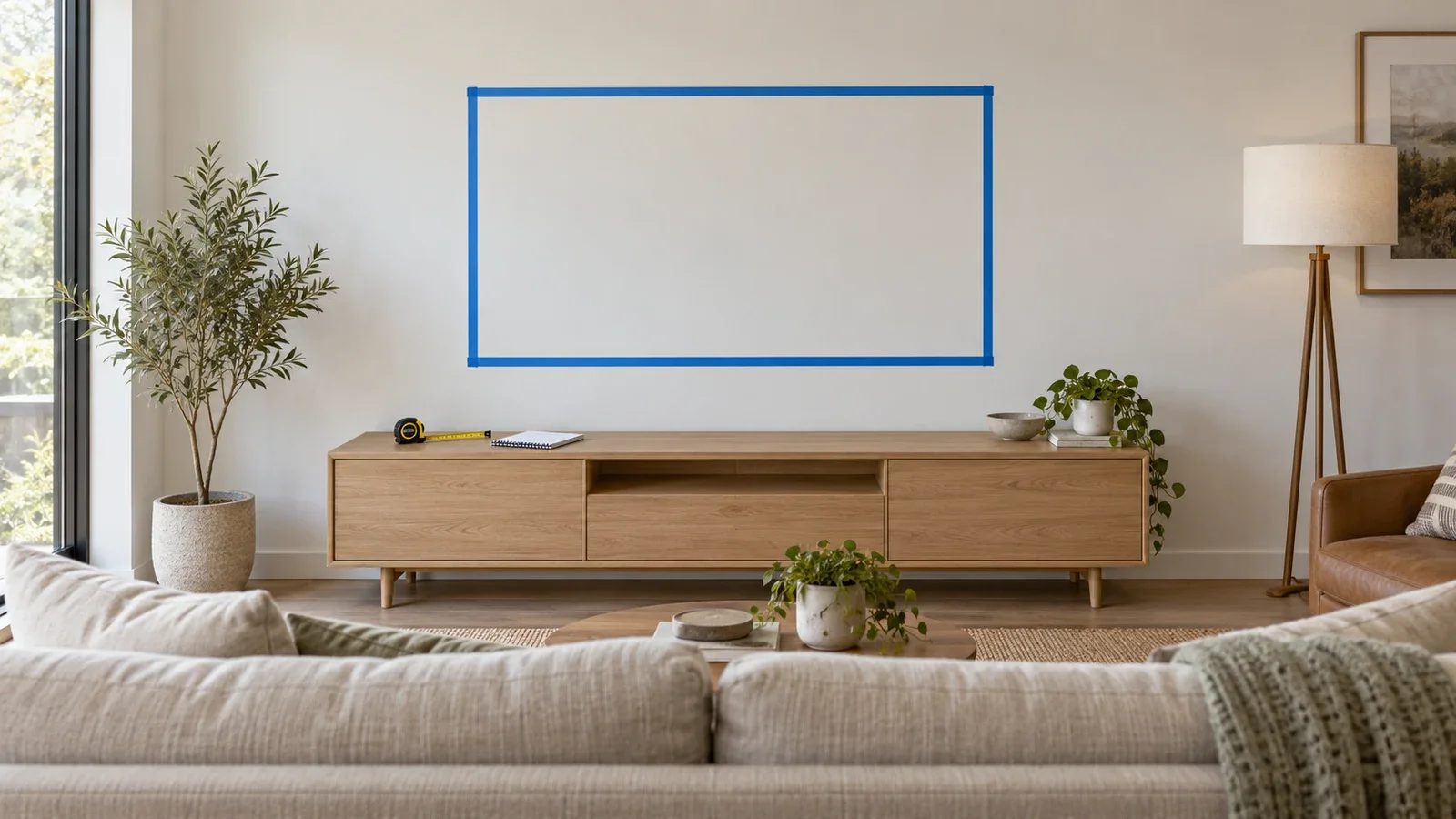
- Mark the desired screen outline temporarily, then identify the proposed wall-plate location separately.
- Have the framing material, spacing and condition verified.
- Check whether an approved mount adjustment can achieve the desired screen position.
- If it cannot, discuss assessed backing, another mount, another location or a suitable freestanding setup.
Reinforcement is a separate scope of work, not an assumed step included with hanging the TV. Agree on how it will be designed, installed and finished before proceeding. A board attached to unknown points is not automatically structural backing just because it spreads the bracket across a larger visible area.
For a rental, confirm permission for the actual wall alteration. A mount marketed as no-stud can still leave holes and require repair when removed. If wall fastening is unsuitable or not permitted, a compatible tabletop or floor stand may be the more practical option; follow its setup and stability instructions.
Bring the wall information to the installation discussion
Share photos, equipment model numbers, the intended screen position and any known construction details before booking. Tell the installer whether you need a fixed viewing direction or want the screen to extend and swivel. Avoid purchasing anchors first and asking the installer to make the wall fit that choice.
If the wall is damaged or its construction cannot be established, pause the installation plan until it is assessed. Review UPTask’s TV mounting service with the equipment and wall details ready, then confirm the compatible mounting method and any additional work.