How to Hide TV Wires Without Cutting Into the Wall
A surface cord cover, a shorter cable route and thoughtful console placement can tidy a TV setup without opening drywall. Plan the power connection and moving cables first.
Table of contents
Choose the route before choosing the coverCompare the no-cut optionsSelect a cover for the actual cablesProtect the wall finish and follow the installation sequenceLeave movement where the TV needs itKnow when a surface solution is not enough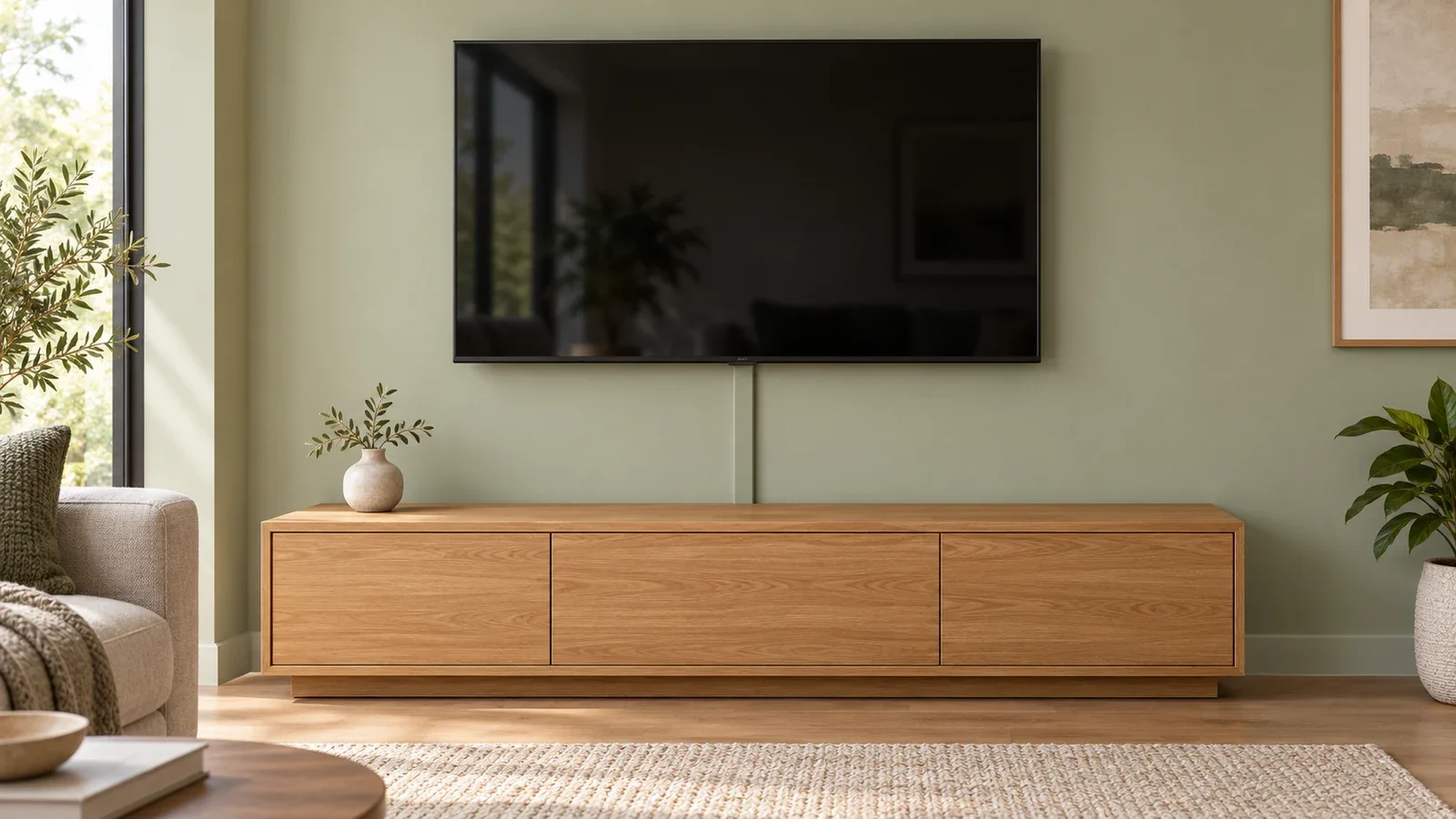
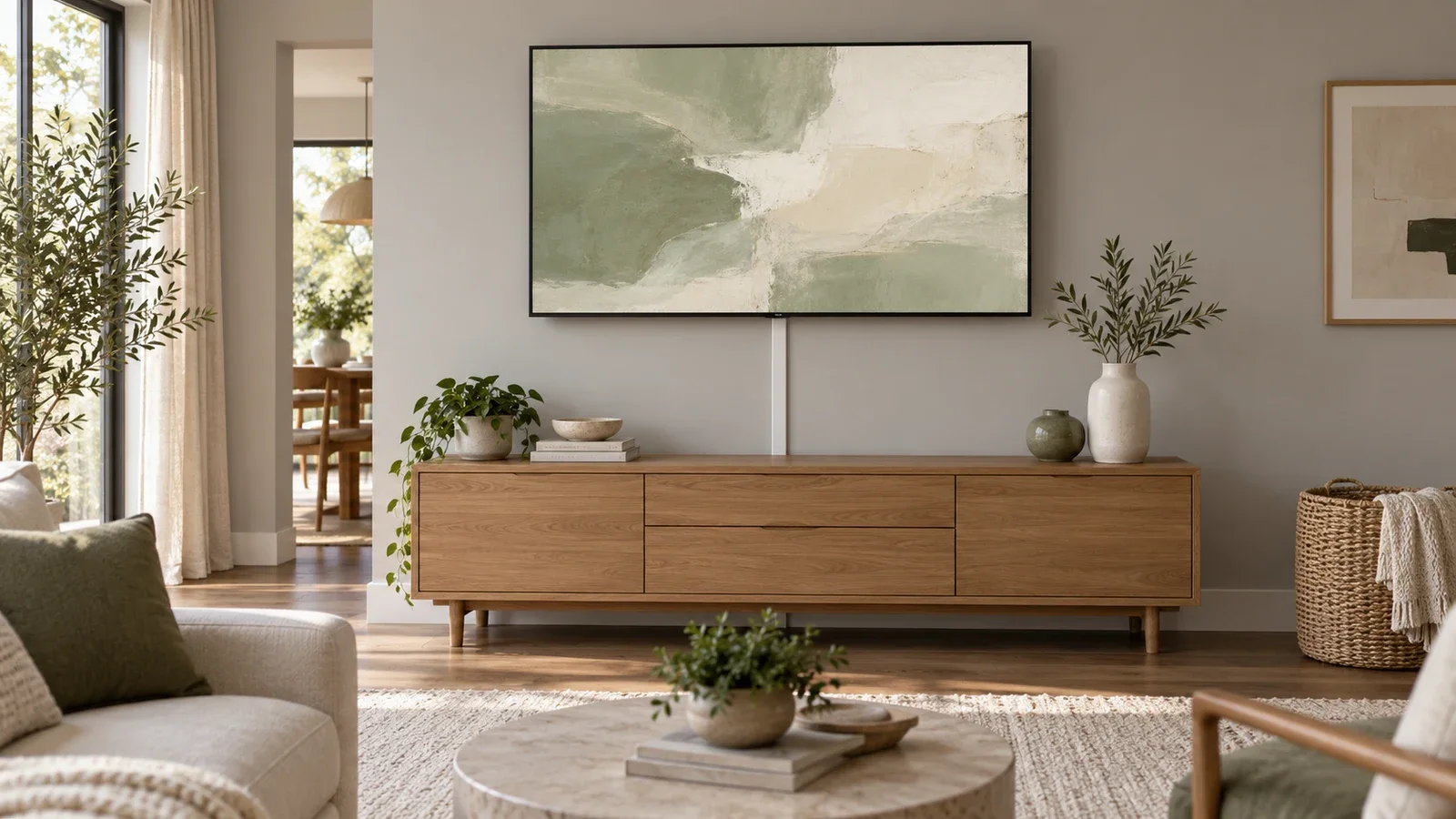
You can hide TV wires without cutting into the wall by using a suitable surface cord cover and organizing the remaining cables behind a media console. A shorter, planned route usually looks cleaner than trying to conceal every wire separately. Start by locating the TV ports, connected devices and existing outlet. Then choose a cover approved for the cords you actually have, with room for plugs, bends and any movement of the mount.
Choose the route before choosing the cover
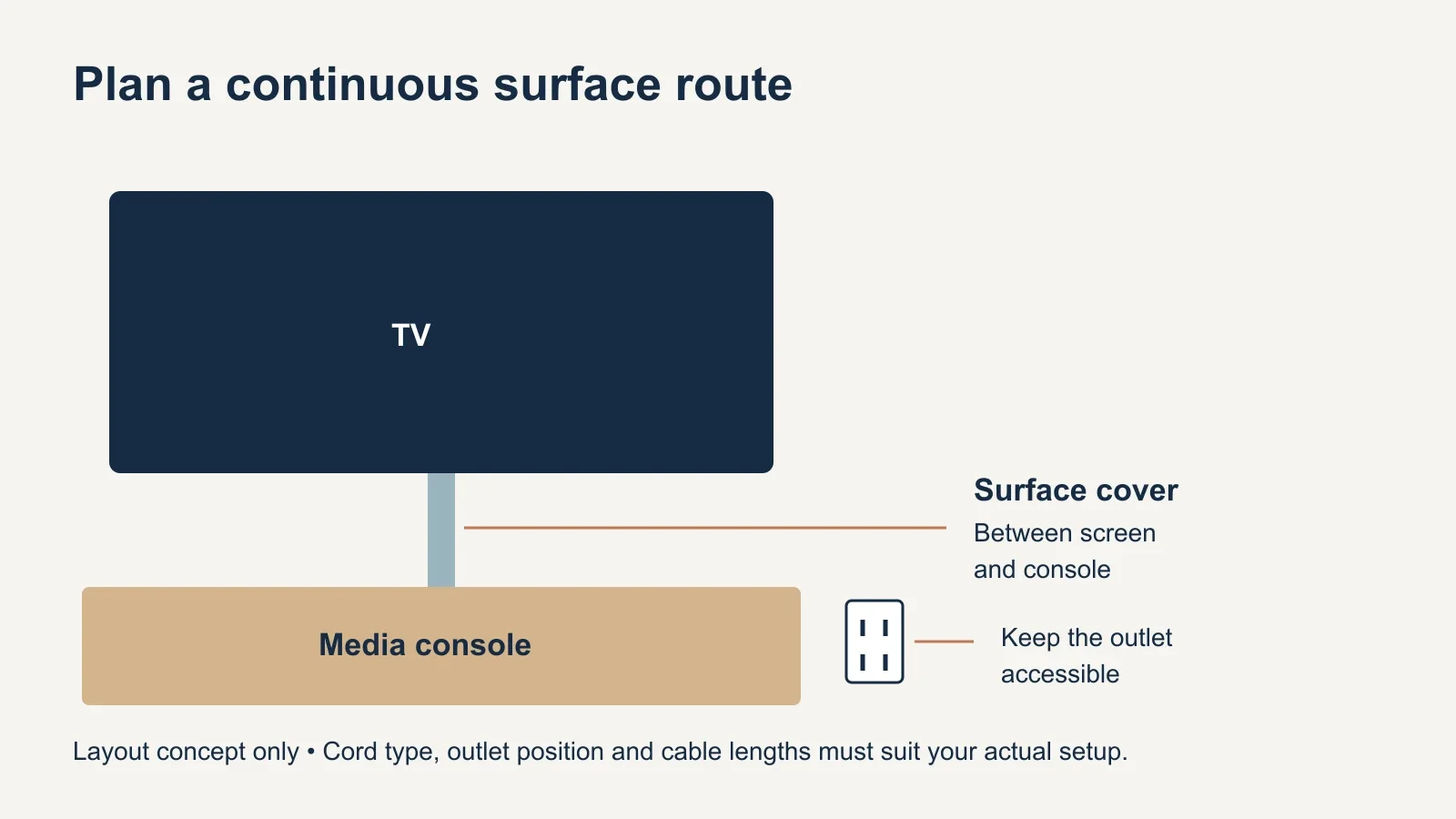
Sketch the connections you need: television to outlet, television to streaming box or game console, and any soundbar or network connection. Remove unused cables from the plan. Position devices close enough that their cords can reach without tension, and keep outlet access practical. A console directly below the TV often creates a simple vertical route.
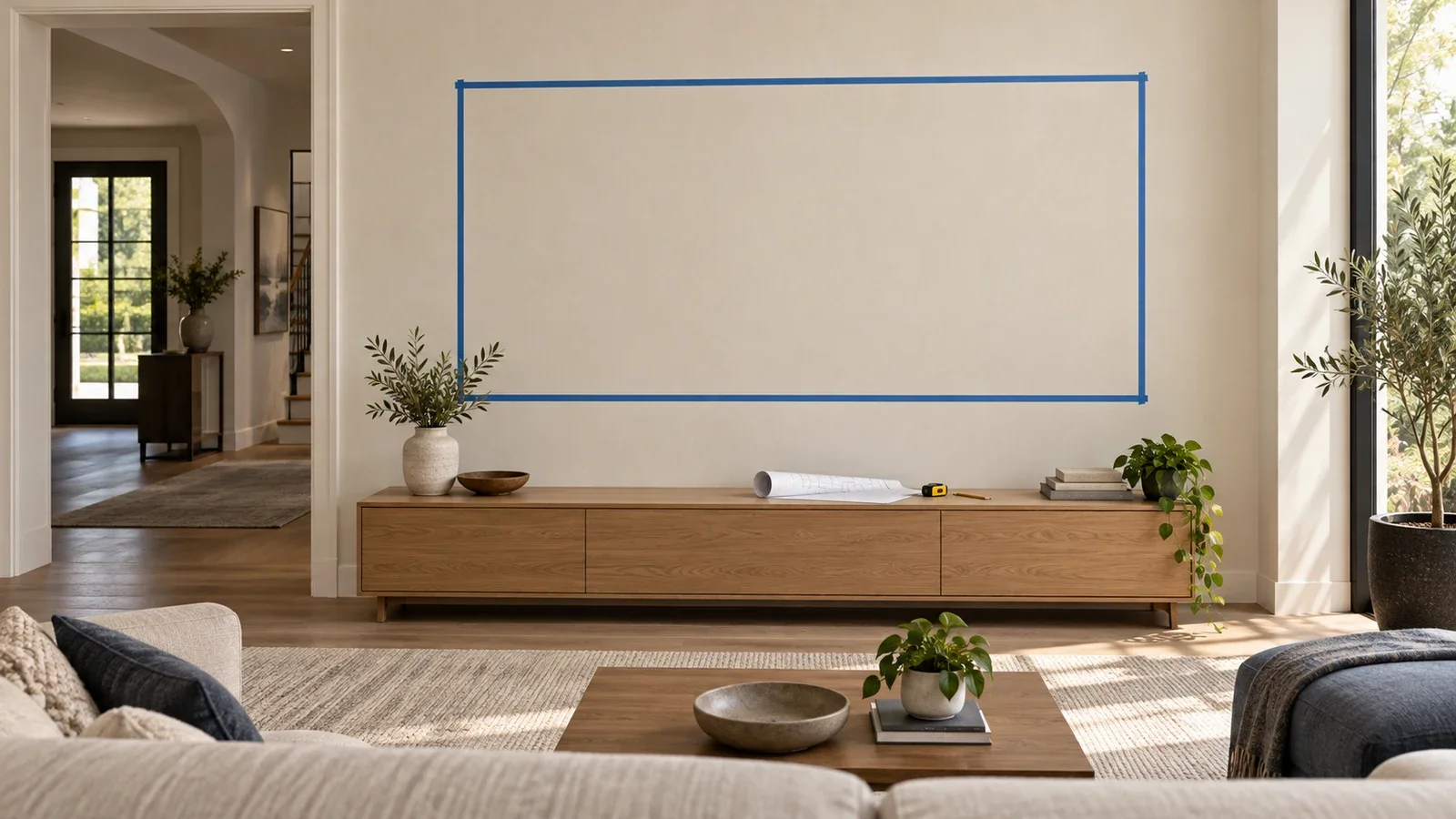
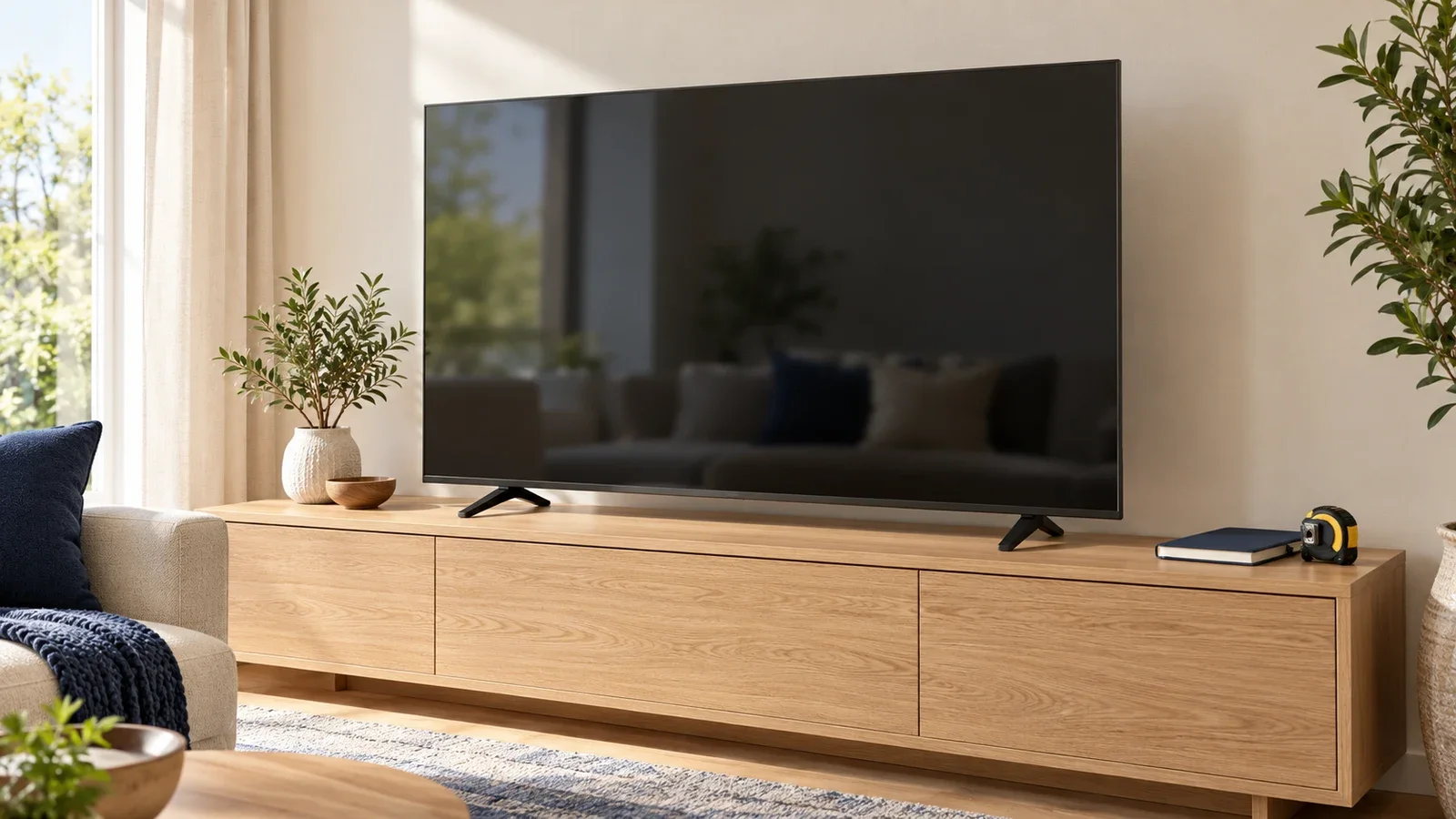
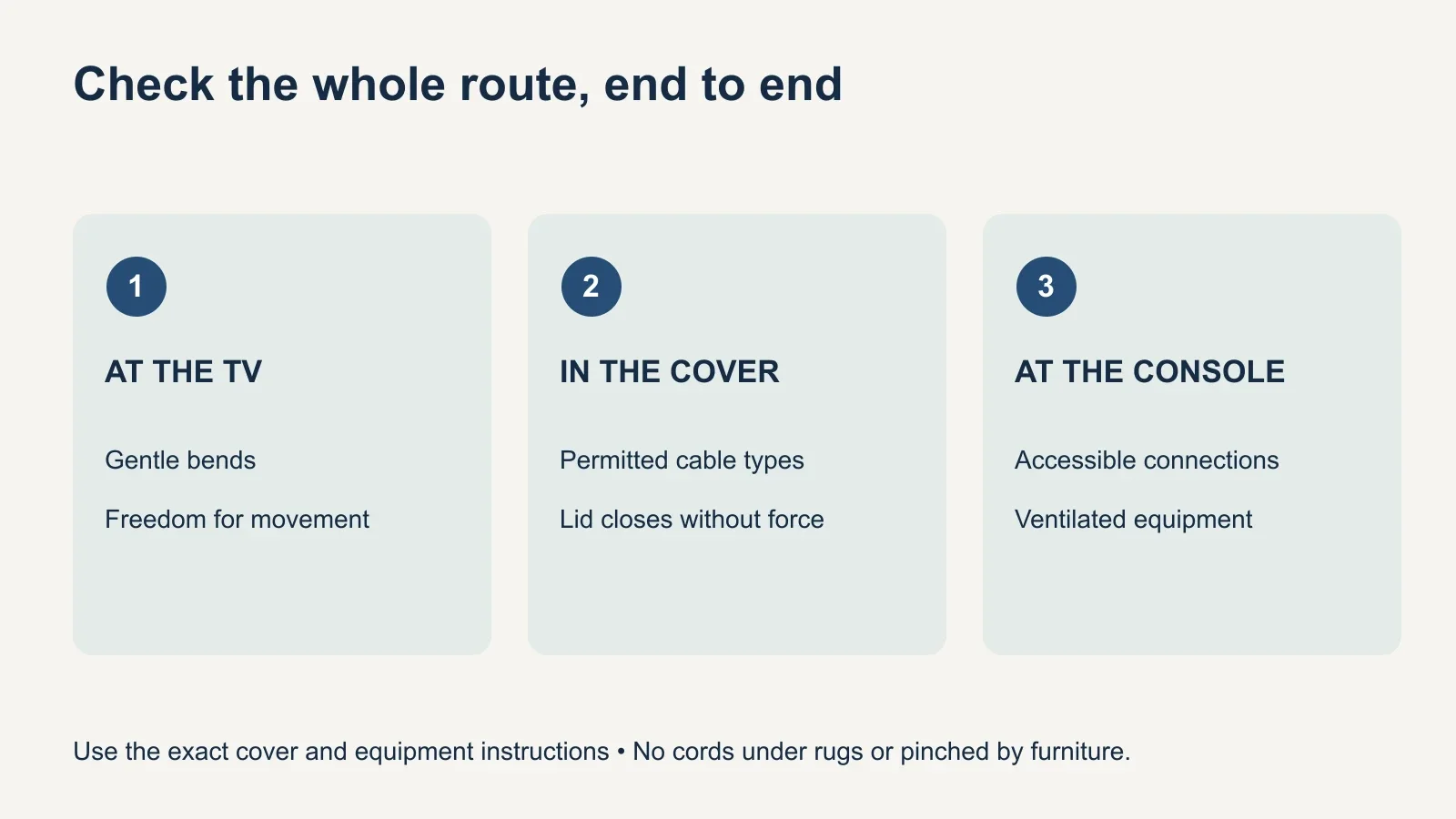
Measure the complete path, including the distance behind the screen and furniture. A cable’s advertised length must cover those hidden sections too. For an articulating TV, measure in the positions you intend to use. The cable needs enough freedom to follow the mount without being pulled tight, pinched in a joint or left dangling into a walkway.
Compare the no-cut options
| Option | Where it helps | What to check |
|---|---|---|
| Surface cord cover | A visible run from TV to console or along the wall | Permitted cord types, capacity, fittings and wall finish |
| Cable sleeve or reusable ties | Loose signal cables behind an open-backed console | Access, gentle bends and ventilation |
| Furniture cable channels | Equipment grouped around a suitable media console | Channel size, outlet access and manufacturer instructions |
| Different equipment placement | A route that is too long or crosses a doorway | Viewing position, stable furniture and reachable power |
A surface cover makes a cable run less noticeable, but it remains slightly raised from the wall. Choose a route that looks intentional: straight down from the screen, then behind the console if that leads to the existing connections. Avoid unnecessary zigzags. A small visible section near an outlet can be preferable to a long detour that strains the cord.
Sleeves and reusable ties are useful for organizing signal cables behind furniture. They do not make a bundle suitable for the inside of a wall or authorize enclosing power adapters. Keep adapters and equipment ventilated according to their instructions, and leave enough access to unplug or replace one cable without dismantling the whole setup.
Select a cover for the actual cables
Check the product instructions rather than treating all plastic channels as interchangeable. Some covers are intended for particular cord types and capacities. Legrand’s CordMate II C210 instructions, for example, specify a maximum of two power cords and prohibit looping cord inside the cover. Those limits belong to that product; a different cover may have different requirements.
Measure the bundle and consider how connectors enter and leave it. A cover should close normally without forcing the lid over a bulging bundle. Use the fittings designed for the system, and respect cable bend limits through corners. A surface cord organizer also must not be confused with a raceway system designed to extend permanent electrical wiring.
Protect the wall finish and follow the installation sequence
Adhesive-backed covers avoid mounting screws, but that does not guarantee damage-free removal. Paint condition, wall texture, wallpaper and the adhesive all affect the result. If you rent, confirm permission for the proposed attachment and finish. Follow the cover manufacturer’s surface preparation and removal guidance rather than assuming every peel-and-stick product behaves alike.
Some covers, including the CordMate II range, are paintable. Confirm the permitted coating and sequence for the exact product before painting. Match the wall color if you want a quieter appearance, but leave covers removable where the design requires access. Test the layout and the connected equipment before committing to the final attachment.
- Record the needed cables, device locations and existing outlet.
- Measure the complete route and the mount’s intended movement.
- Select a cover with suitable capacity, fittings and permitted uses.
- Dry-fit the route and test every connection before attachment.
- Install and finish the cover in the manufacturer’s specified order.
- Check cable freedom, outlet access and equipment operation again.
The order of assembly varies between products: some channels open along their length, while others have a separate base and lid. Cut only the empty cover, using the tools and procedure specified for it. Keep cutting tools away from installed cables, and inspect cut edges before putting any cords into the channel.
Leave movement where the TV needs it
A fixed surface run should not immobilize the part of a cable that moves with an articulating mount. Keep the transition behind the screen accessible and use the mount’s designated cable-management features as instructed. Work through the intended range slowly, watching both the arm joints and the plugs. Stop if a cord pulls tight or catches.
A larger screen or a different mount can change the available cable route even when the wall location stays the same. Our mount-type comparison explains how fixed, tilt and full-motion designs move. Keep cables away from sharp edges and pinch points, and do not use tight fasteners that crush their jackets.
Know when a surface solution is not enough
A cord cover does not solve an unsuitable power location. Do not run power cords through the wall, beneath a rug or where furniture can pinch them. ESFI advises against using extension cords as permanent wiring and against chaining power strips together. If the planned setup depends on a long-term extension cord, move the equipment or have a qualified electrician assess a suitable outlet location.
A no-cut cable tidy also does not mean a no-drill TV installation. The television’s mount still needs the wall attachment required by its manufacturer. If the TV is already mounted, avoid disturbing its fasteners while fitting a cover; removal or adjustment may require help and the mount’s specific procedure.
For TV mounting and cable-cover options, share a photo of the whole wall, the outlet location, the TV model and the devices you want connected. Tell UPTask that you want surface cable concealment without opening drywall. Confirm the cover, finishing work and any separate electrical work in the quote so the proposed result matches your room and expectations.