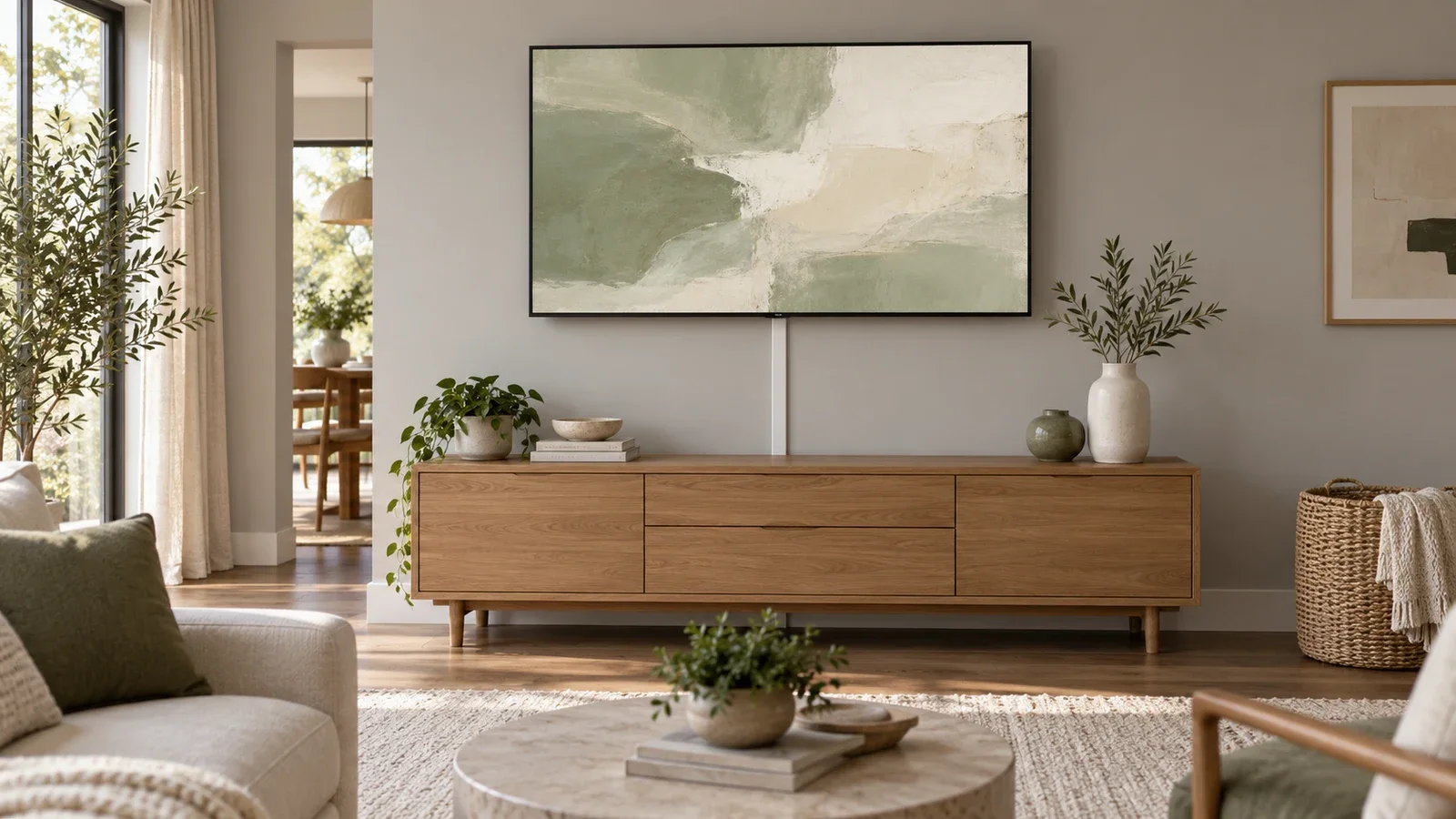
Samsung Frame TV Installation: Wall, Mount & Cable Requirements
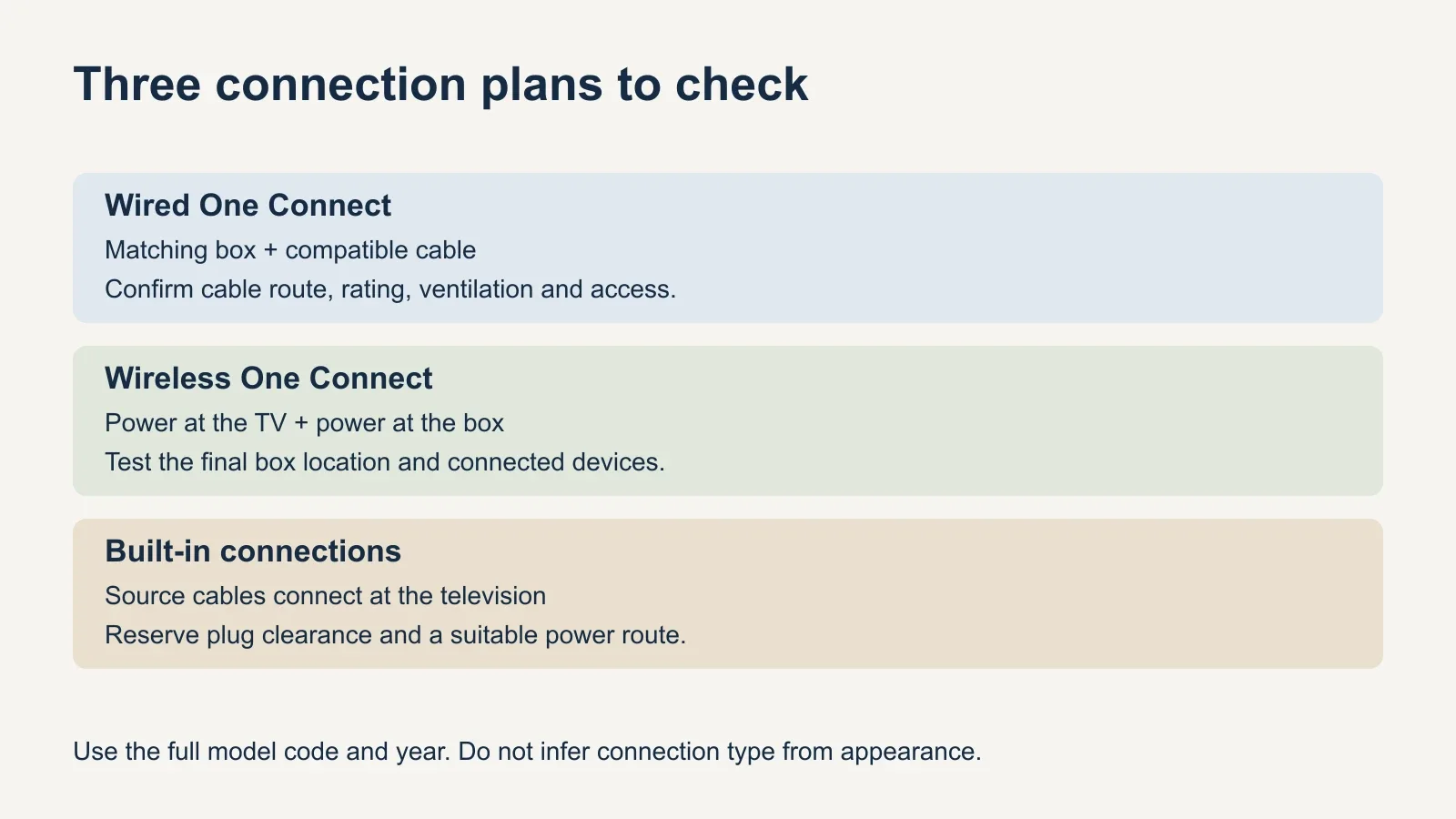
The Frame’s installation plan depends on its exact model: wired One Connect, Wireless One Connect and built-in connections require different cable and power arrangements.
Table of contents
Identify the connection system before planning the wallCheck wall support and surface flatness separatelyUse the mount and template specified for your modelFor wired One Connect, plan the box and cable togetherFor Frame Pro, wireless still needs a power planWith built-in connections, reserve space at the TVPrepare a complete installation brief
Start Samsung Frame TV installation with the full model code, year and screen size. The wall must support the specified mount, while the TV’s shallow profile leaves little room for misplaced plugs or cables. Some models use wired One Connect, Frame Pro models use Wireless One Connect, and the U.S. LS03HE series has built-in connections. Identify your arrangement before planning the outlet, equipment location and cable concealment.
Identify the connection system before planning the wall
The Frame is a product family, not one unchanging installation specification. A guide written for an older television can describe a connection box that your new set does not use. Record the full model code from the label or purchase documentation rather than relying on the phrase “65-inch Frame.”
| Series | Connection arrangement | Planning consequence |
|---|---|---|
| The Frame LS03FA (2025) | Wired One Connect | Plan the compatible box and cable route |
| The Frame Pro LS03FW (2025) | Wireless One Connect | Plan power at the TV and at the box |
| The Frame LS03HE (2026) | Built-in connections | Plan cable access directly at the TV |
| The Frame Pro LS03HW (2026) | Wireless One Connect | Plan power, box placement and signal testing |
Samsung’s current U.S. comparison identifies these different arrangements. The table is a planning reference for the named series, not a compatibility chart for every older, 32-inch or overseas model. Keep the model’s own installation guide with the mount and accessories that actually arrived.
A replacement cable or used One Connect box should also be matched by supported model, not by appearance. Do not assume that a connector fitting into a port makes two generations interchangeable. Resolve missing parts before the appointment so a completed wall installation is not waiting on an incompatible accessory.
Check wall support and surface flatness separately
The thin, framed appearance does not reduce the need for a suitable supporting wall. Identify the construction behind the finish and use the attachment method specified for the TV’s compatible mount. Painted drywall, plaster, wood paneling and masonry can conceal very different structures. A convenient place for artwork is not automatically a suitable TV attachment location.
With a close-fitting mount, the finished surface matters too. Raised trim, uneven stone or a bow in the wall can interfere with the intended position or leave an uneven-looking gap. Discuss the actual surface before promising that the screen will sit uniformly close to it. Do not force the panel against a projection to make it look flush.
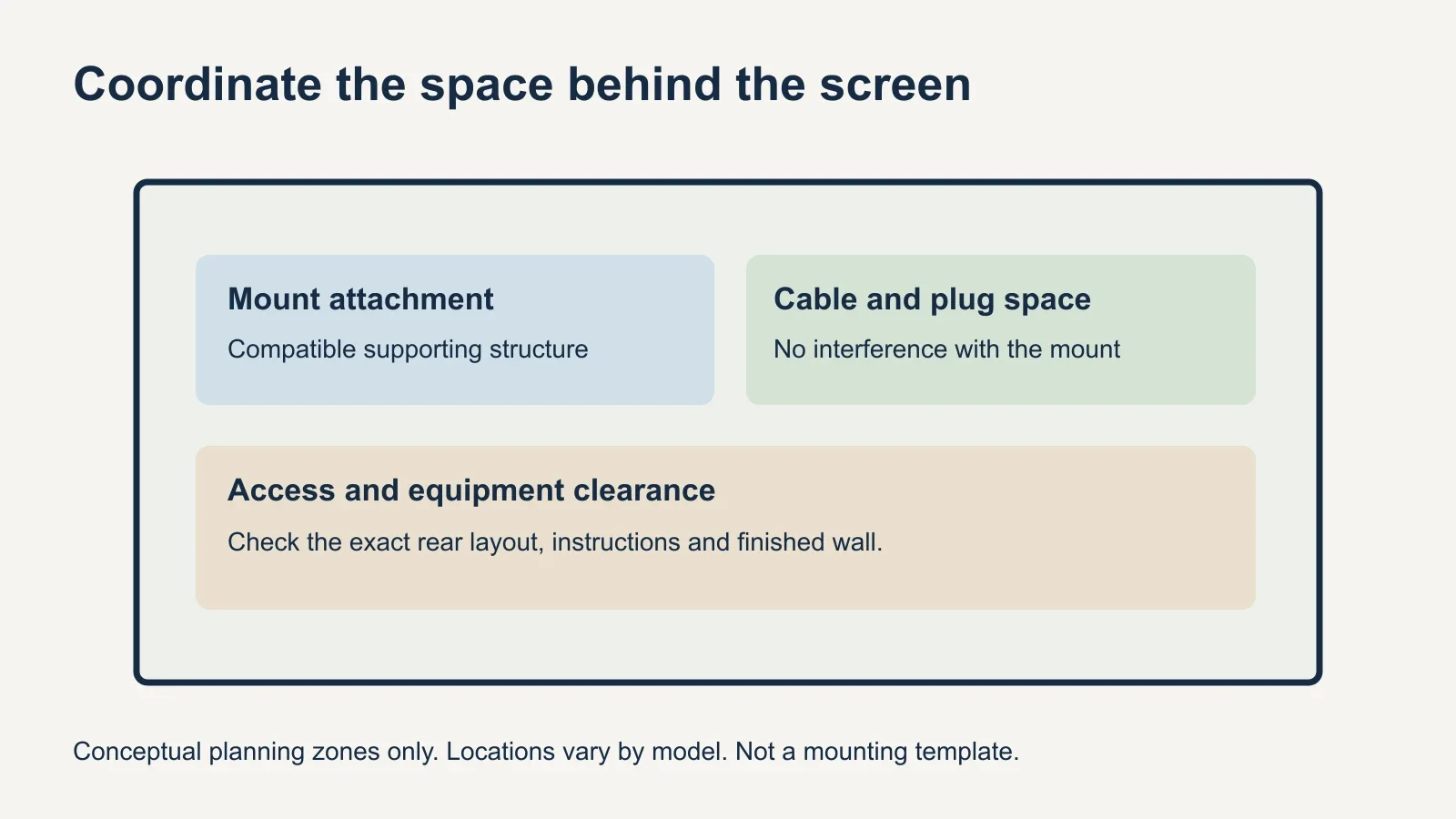
Locate the proposed attachment areas and the cable or electrical openings on the same plan. An in-wall enclosure that occupies the space needed by a bracket creates a conflict even if each component fits on its own. The structure, bracket layout and equipment recess must work together before anything is cut.
For a wall with steel framing, start with the separate metal-stud TV mounting guide. The framing material and the chosen mounting system need a compatible method; hardware intended for a different wall should not be substituted merely because it is included in a generic kit.
Use the mount and template specified for your model
Samsung’s Slim Fit design is intended to hold compatible televisions close to the wall. Match the mount version, supplied hanging components and template to the exact TV and screen size. An old template can place parts incorrectly even when the new television has a similar diagonal measurement.
Keep all model-specific pads, spacers and fasteners identified until the instructions establish where they belong. Do not replace them by choosing a screw only from its apparent diameter. The permitted screw length and attachment arrangement depend on the equipment, and the wall-side hardware must also suit the supporting structure.
If you want substantial swivel or extension, check an alternative mount against the TV’s actual mounting interface and weight. Confirm how far that arrangement will project from the wall and whether it changes the framed appearance you expect. Review the fixed, tilt and full-motion mount comparison before selecting movement as an afterthought.
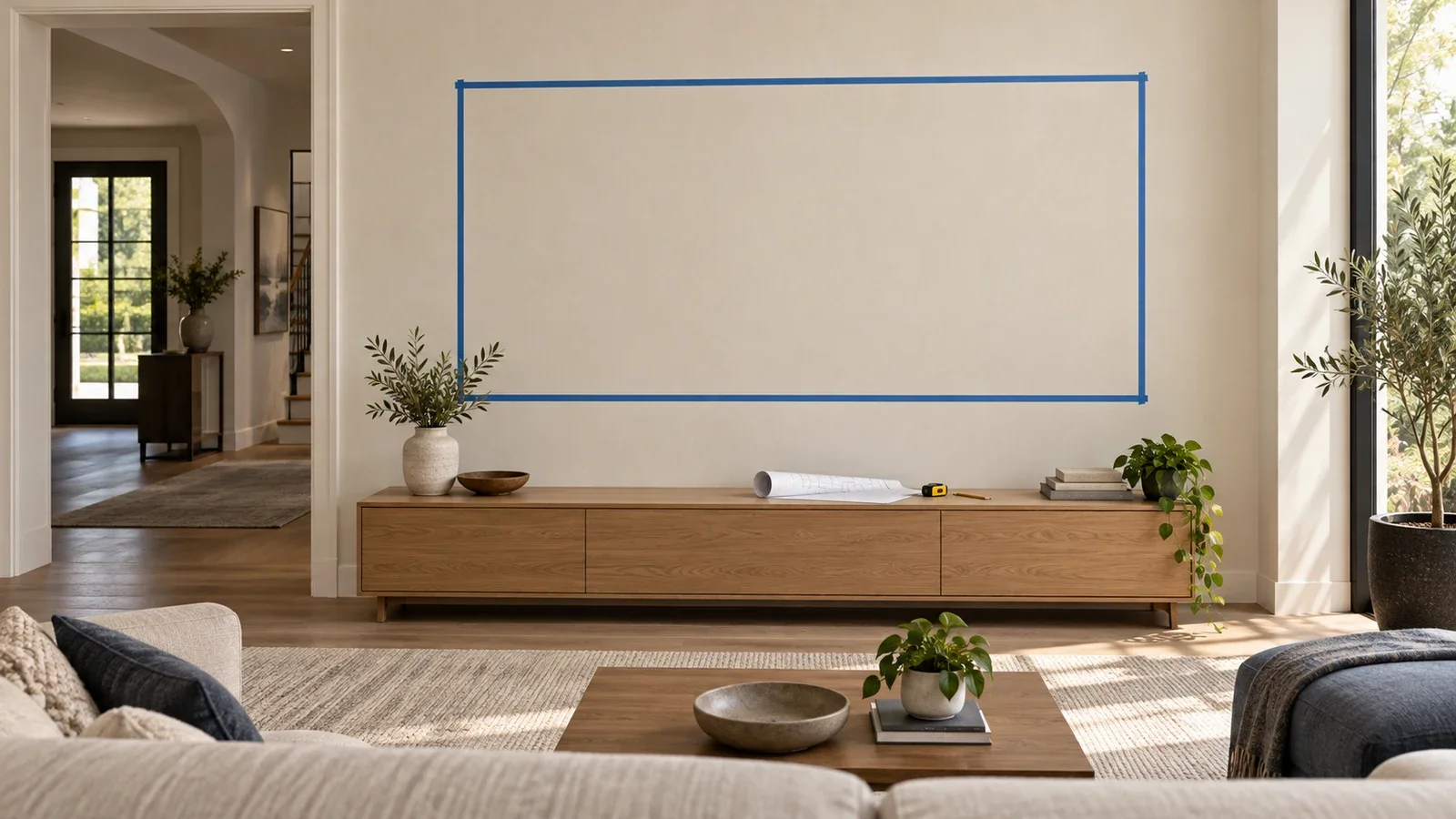
Choose the screen position before translating it into bracket coordinates. Test an outline from the sofa and compare it with nearby artwork or furniture. Decorative alignment may suggest one height while regular viewing suggests another. The installer needs the intended finished position, not an assumed bracket center based on screen size.
For wired One Connect, plan the box and cable together
A wired One Connect setup consolidates the connected devices at the matching box and uses its specified cable to the TV. Samsung’s setup guidance shows the box connected to power and warns against harsh cable bends. Account for the actual route, connectors and service access rather than measuring only the straight-line distance between the television and console.
Decide where the box will remain accessible and meet its ventilation requirements. A cabinet arrangement needs room for the box, connected plugs and cable bends, not just the bare enclosure. If a recessed media enclosure is proposed, confirm compatibility, clearance, power and access with the equipment instructions before the wall is opened.
Do not assume the included One Connect cable is approved for installation inside the wall. Verify the exact cable’s rating and compatibility. Samsung distinguishes in-wall-rated One Connect cables in its support guidance, but that does not establish current availability or compatibility for every Frame model. An older accessory listing cannot answer the question for a different television.
If a suitable concealed route cannot be verified, discuss a surface route or another documented installation arrangement. A narrow cable can be unobtrusive without being buried. Avoid treating a decorative cover, conduit or an improvised extension as automatic permission to use an otherwise unsuitable cable inside a wall.
For Frame Pro, wireless still needs a power plan
Wireless One Connect separates the source-device connection from the TV, but both the television and the box require power. Samsung’s support instructions call for the dedicated adapter and cable supplied with the box. A power connection near the console does not eliminate the need to plan power at the wall-mounted screen.
Samsung also directs users to place the wireless box and TV in the same space and warns that walls or a closed metal cabinet can disrupt the connection. Test the chosen box location with the intended devices before treating a hidden cabinet position as settled. A successful test beside the TV does not validate a different final location.
A soundbar needs its own connection plan. Samsung’s 2026 U.S. announcement says the Frame Pro’s Micro HDMI port now supports eARC. Check the exact year, port and required cable or adapter before copying a soundbar arrangement from a different model. Keep those connections accessible for setup and troubleshooting.
With built-in connections, reserve space at the TV
For the U.S. LS03HE series, plan the source-cable endpoints at the television itself. Samsung’s 2026 announcement describes built-in connections and rear stoppers that help provide port access. That feature still requires a layout that accommodates plugs, cable bends and the manufacturer’s method of accessing the rear.
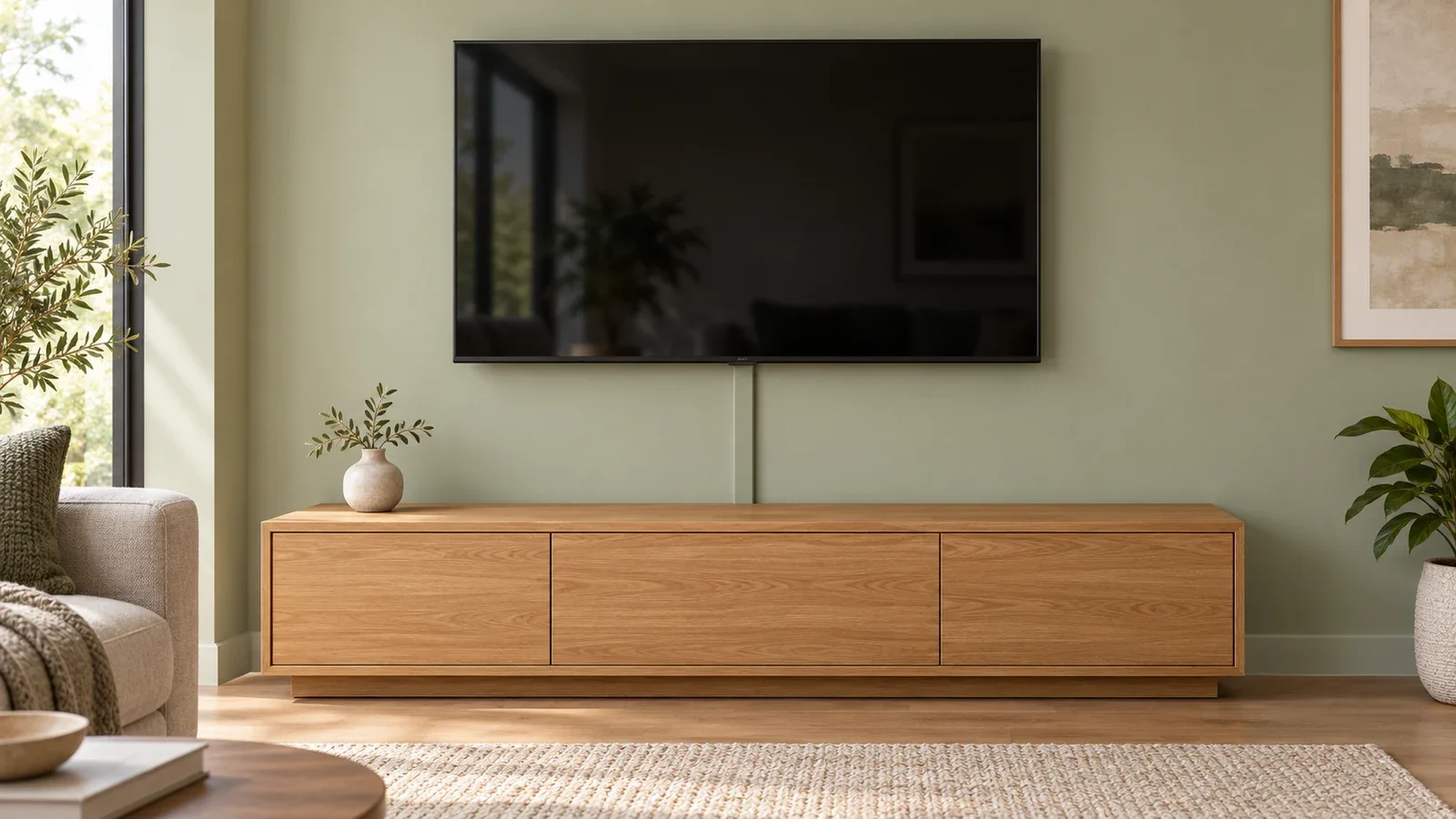
Mark the mount outline and the intended electrical or cable opening before finalizing either. A protruding plug or misplaced wall plate can interfere with the finished position. Avoid choosing an outlet location from a generic photograph; use the actual TV’s rear layout and the selected mount’s instructions.
Concealing cables does not make ordinary power cords suitable for an in-wall run. Have new electrical work assessed separately, and specify suitable signal cables for any concealed route. Confirm whether the estimate includes opening the wall, a compatible enclosure or power kit, patching and painting, rather than treating all of that as basic mounting.
Prepare a complete installation brief
- Full TV model code, year, size and the installation documents.
- Photos of the wall, nearby outlets and the intended equipment location.
- The supplied mount, template and accessories, with missing parts identified.
- Desired screen position, bezel and any soundbar arrangement.
- Connection type: wired box, wireless box or ports on the television.
- The agreed power and signal routes, including any separately quoted wall work.
- A completion check covering secure mounting, cable clearance, picture, sound and the devices you use.
For UPTask TV mounting, Frame TV installation is a listed selection. Share the model and connection details before booking, and confirm any electrical or additional cable-routing work separately. The finished installation should meet both the equipment requirements and the appearance you agreed on.