98-Inch and 100-Inch TV Mounting: Wall, Mount, Weight & Installation Requirements
An oversized TV needs more than a mount labeled “up to 100 inches.” Check its actual weight, mounting interface, supporting wall, delivery route and handling requirements together.
Table of contents
Start with the model’s weight and actual dimensionsCheck the mount as a complete specificationVerify what supports the wall platePlan the screen position and its movement envelopeMeasure the delivery route and plan the handling teamResolve power, signal cables and future accessSend an installation brief before booking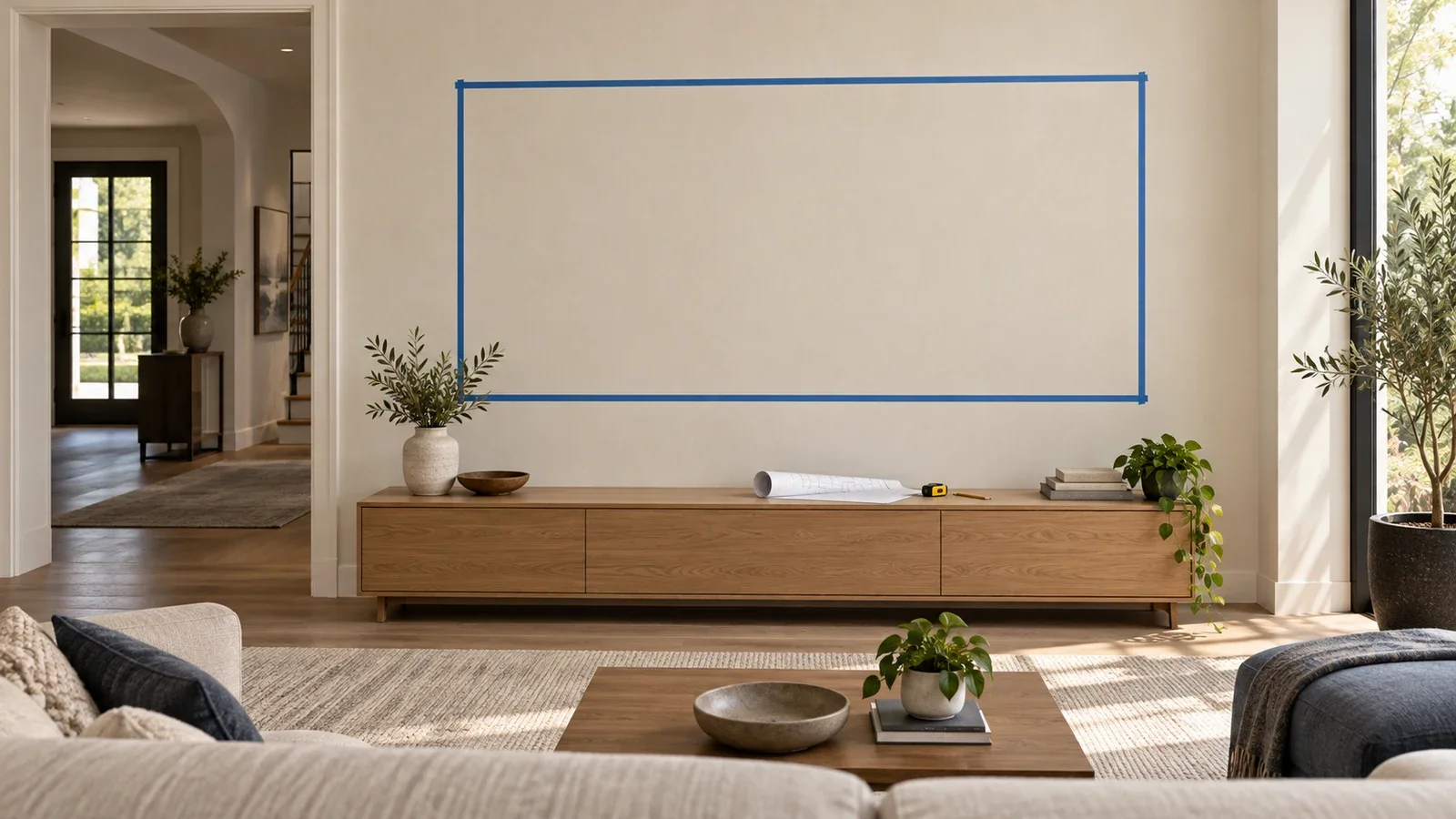
A 98-inch or 100-inch TV can be wall-mounted when the exact television, mount and supporting wall are compatible. Screen size alone does not establish that compatibility. Start with the TV’s weight without its stand, mounting-hole pattern and handling instructions. Then check the mount’s limits, the structure behind the wall and the route into the room. Resolve those details before booking a standard installation or opening the carton.
Start with the model’s weight and actual dimensions
Two televisions with nearly the same diagonal can require different installation arrangements. Use the complete model number to find the manufacturer’s specifications. The relevant figure for a wall-mounted screen is usually its weight without the stand, with any supported accessories accounted for separately. Shipping weight serves a different purpose: planning delivery and handling of the packaged product.
| Specification | Sony XR-98X90L | Hisense 100U8K |
|---|---|---|
| Screen size class | 98 inches | 100 inches |
| TV weight without stand | 148.1 lb | 157.2 lb |
| TV size without stand (W × H × D) | 86.63 × 49.5 × 3.38 in | 88.0 × 50.6 × 3.5 in |
| VESA mounting pattern | 600 × 400 mm | 600 × 400 mm |
The VESA numbers describe horizontal × vertical spacing between mounting holes, in millimeters. These are examples of specific models, not weight estimates for every 98-inch or 100-inch television or a recommendation to purchase either one. Their shared mounting-hole pattern does not make all other installation details interchangeable. Check the current documentation for the exact set you own, including any model-specific mounting adapters or spacers.
Use the cabinet dimensions when planning the wall outline. The diagonal measurement does not tell you the outer width, height or the location of the mounting holes. Likewise, the center of the mounting interface may differ from the center of the finished screen. A screen outline helps choose the position; the correct template determines the attachment coordinates.
Check the mount as a complete specification
Treat the advertised screen-size range as only one filter. The selected mount must support the actual load, accommodate the mounting interface and suit the intended wall construction. Its brackets also need to fit the TV’s rear layout without blocking required connections or interfering with model-specific components.
For example, SANUS lists its VXF830 for televisions from 65 to 100 inches. Its instruction manual sets a 175 lb limit including accessories, and permits installation into specified wood-stud, solid-concrete or concrete-block walls. It expressly excludes attachment to drywall alone. A 100-inch size label therefore does not remove either the weight limit or the wall requirements.
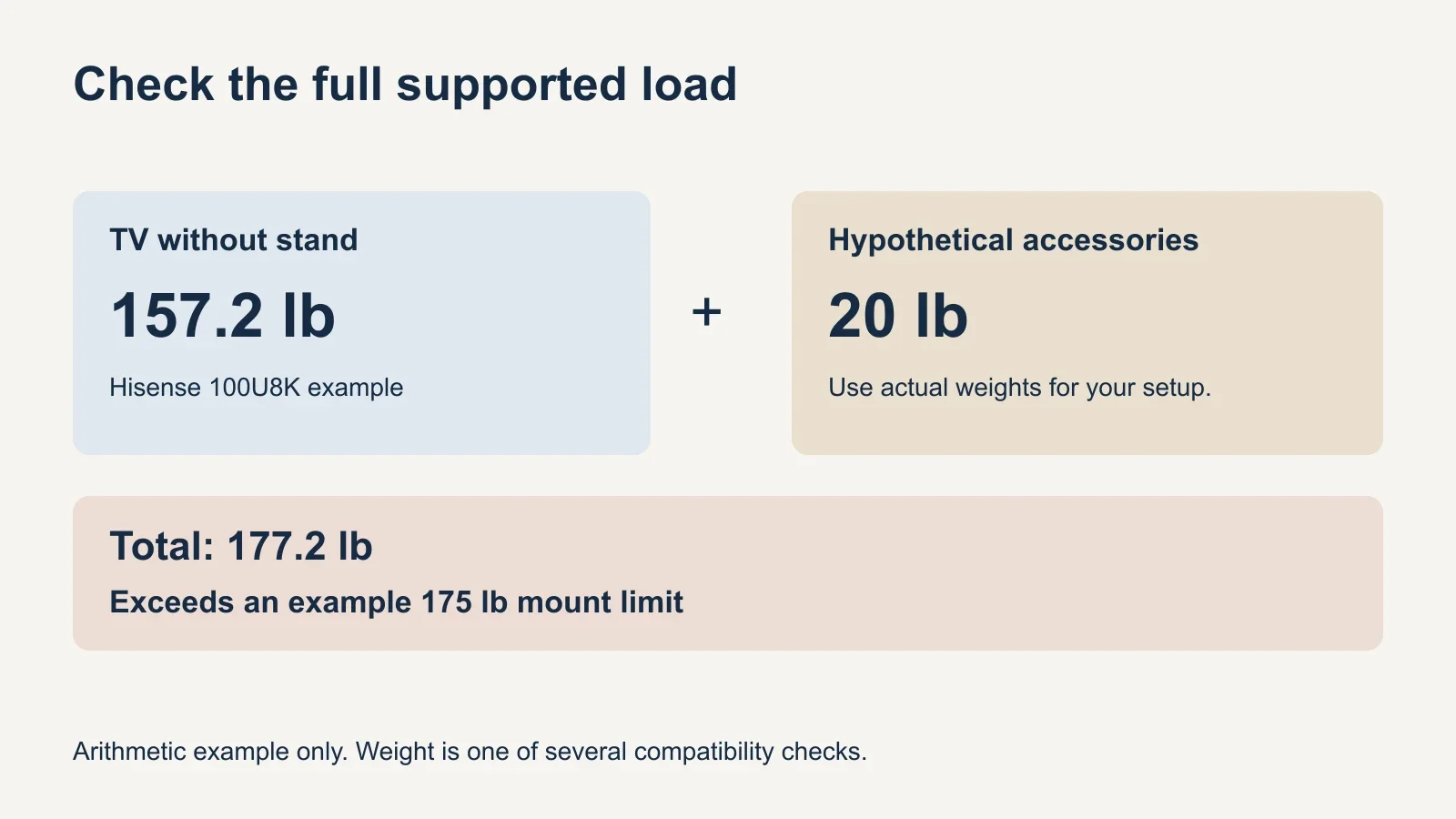
Consider a load calculation using the 157.2 lb Hisense example. If an accessory arrangement carried by the mount added a hypothetical 20 lb, the supported load would be 177.2 lb. That exceeds a 175 lb limit. The accessory figure is illustrative, not a measured soundbar package, and the calculation does not certify compatibility with any mount.
An acceptable weight calculation is a screening step, not permission to substitute hardware. The TV-side screw diameter, engagement and spacers must match the equipment instructions; wall-side fasteners must match the approved supporting structure. A mixed collection of spare bolts or anchors does not become suitable because their individual packages show large numbers.
Verify what supports the wall plate
The visible wall finish is not the whole supporting system. Drywall can cover wood studs, steel framing or other construction; tile and decorative panels can conceal additional layers. Identify the structure, attachment locations and condition before selecting the installation method. Photographing the finished wall is helpful, but it cannot establish everything hidden behind it.
A mount approved for wood studs must meet its specific stud, spacing, wall-covering and fastener requirements. Do not assume that hitting one convenient stud or adding ordinary drywall anchors provides an equivalent installation. If the prescribed attachment positions cannot be achieved, resolve that conflict before the television is lifted.
Steel framing requires its own compatible solution. Review the metal-stud TV mounting guide when preparing the assessment, and confirm the chosen system for this particular load and movement. A wood-stud instruction sheet does not automatically cover a wall with metal studs.
Concrete, concrete block, brick and decorative stone should not be treated as interchangeable materials either. Check the specific substrate and the mount manufacturer’s permitted method. If the wall’s construction or capacity remains uncertain, arrange an appropriate assessment and any necessary reinforcement before scheduling the final mounting visit.
Plan the screen position and its movement envelope
Mark the actual cabinet outline and review it from the seats you use. Check its relationship to doors, windows, shelving, furniture and the intended soundbar. With a screen this wide, a position that looks centered on one wall section can still interfere with something at either edge.
The TV mounting height guide explains the difference between screen center and bottom edge. For an oversized television, use the real cabinet height when testing the arrangement. Do not raise it automatically because it is larger, or lower it until the cabinet, soundbar or controls become obstructed.
Choose movement deliberately. A fixed mount, a tilting mount and an extending mount solve different needs, as the mount-type comparison explains. Extension changes the load geometry at the wall, so the selected mount and its approved installation method must cover the intended use.
Advertised swivel angles are not a promise that every compatible screen can achieve them in every room. A wide TV may reach the wall or nearby furniture before the mount reaches its nominal angle. Plan clearance for the entire cabinet throughout the movement you actually need, including room for plugs and cable slack. Do not use the screen as a lever to force more travel.
Measure the delivery route and plan the handling team
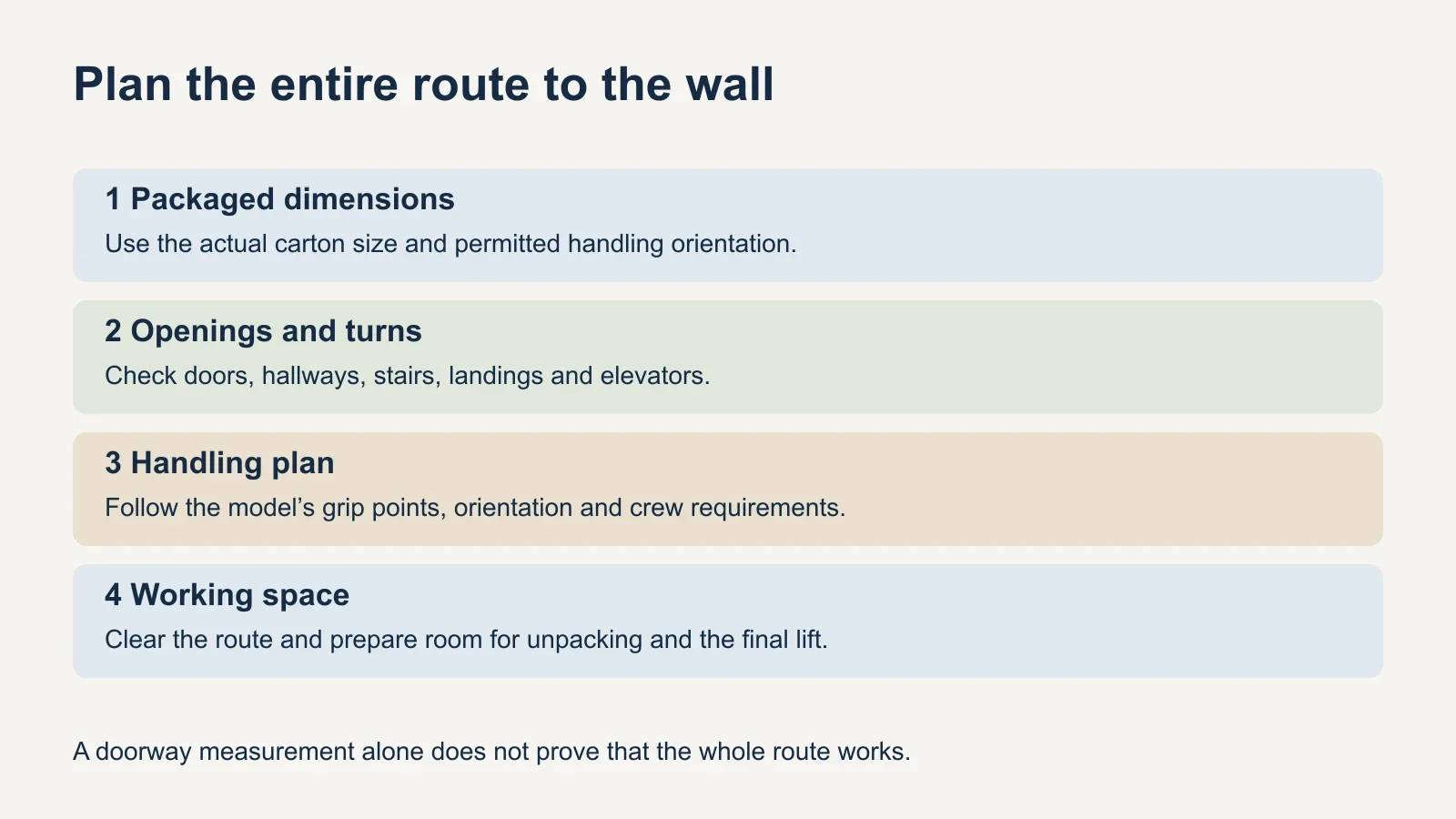
Check the packaged dimensions before assuming the television will reach its destination. Sony lists the XR-98X90L carton at 91.75 × 55 × 11.25 inches; Hisense lists the 100U8K carton at 94.6 × 59.6 × 11.7 inches. Both use width × height × depth. The delivery route must accommodate the package and the manufacturer’s required handling orientation.
Measure the actual clear openings and turning areas, including the entrance, hallway bends, stairs, elevator door and elevator interior where applicable. A single doorway measurement cannot prove that a long carton will turn through the next landing. Share photographs and measurements of tight areas with the delivery or installation team before arrival.
Crew size also comes from the equipment and the task, not from a generic two-person rule. Sony’s reference guide calls for four or more people to transport its 98-inch-and-larger televisions. That is a model-family transport instruction, not a universal staffing number for every brand or a complete description of the mounting procedure.
Confirm who handles delivery, movement between floors, unpacking, bracket attachment and the final lift. These may belong to different service scopes. Follow the television’s specified grip points and orientation; do not assume a generic instruction to lay a screen face down applies to this model. Protect the panel and prepare enough unobstructed working space before opening the box.
Resolve power, signal cables and future access
Map the power connection, signal-cable endpoints and wall plate together. An outlet or recessed enclosure can conflict with a bracket even when each fits behind the screen individually. Decide the cable route before fastening the wall plate, and check plug depth and bend clearance against the TV’s actual rear layout.
A concealed route needs suitable cable and electrical arrangements. Do not run an ordinary TV power cord or extension cord through the wall. If new electrical work or an in-wall power solution is needed, confirm its suitability and arrange the appropriate installation separately. Include any wall opening, patching or painting in the scope rather than assuming it comes with mounting.
For an extending mount, plan enough usable cable length for the intended movement without pulling connectors tight or creating a pinch point. For a close-fitting mount, establish how the equipment can be accessed for service. Test the intended source devices and sound connection before access becomes difficult, then recheck operation after the TV is secured.
Send an installation brief before booking
- Full TV model number, weight without its stand and mounting-interface details.
- Exact mount model, its documentation and the intended tilt or swivel movement.
- Weights and attachment plans for any accessories carried with the television.
- Wall photographs, known construction and any unresolved support questions.
- Packaged dimensions, delivery route, stairs or elevator restrictions and room access.
- Model-specific handling requirements and an agreed team for each stage.
- Screen outline, desired viewing position, soundbar and furniture clearances.
- Power and signal routes, plus any electrical, reinforcement or wall-finish work.
- A completion check for secure attachment, locking mechanisms, clear movement and working devices.
Share that brief when requesting UPTask TV mounting. Confirm acceptance of the exact oversized model, the handling arrangements and any work beyond mounting before the appointment. A useful estimate states what is included, what needs separate preparation and which unresolved conditions could change the installation plan.