How to Remove a TV from a Wall Mount: A Guide by Mount Type
Identify the mount’s release mechanism, prepare a safe landing place and arrange the right help before lifting. Fixed, tilt and full-motion mounts can unlock in different ways.
Table of contents
Find the model and the actual release mechanismPrepare the room and the people before releasing anythingDisconnect cables without loading the portsUse the procedure for your mount typeLift together and stop if the TV does not releaseSeparate TV removal from the rest of the job
To remove a TV from a wall mount, first identify the exact mount and its release procedure. Prepare a suitable place for the television, arrange the help its size and weight require, and disconnect the cables before the final lift. Then release the designated locks while the TV is supported and lift it free as the manual directs. Do not start by undoing wall bolts or pulling on an unfamiliar strap.
Find the model and the actual release mechanism
Look for the mount’s manufacturer and model on an accessible label, paperwork or purchase record. Use a flashlight or a phone camera to inspect a visible gap without forcing the TV away from the wall. Find the removal section of the matching manual and compare its part labels with what you can actually see.
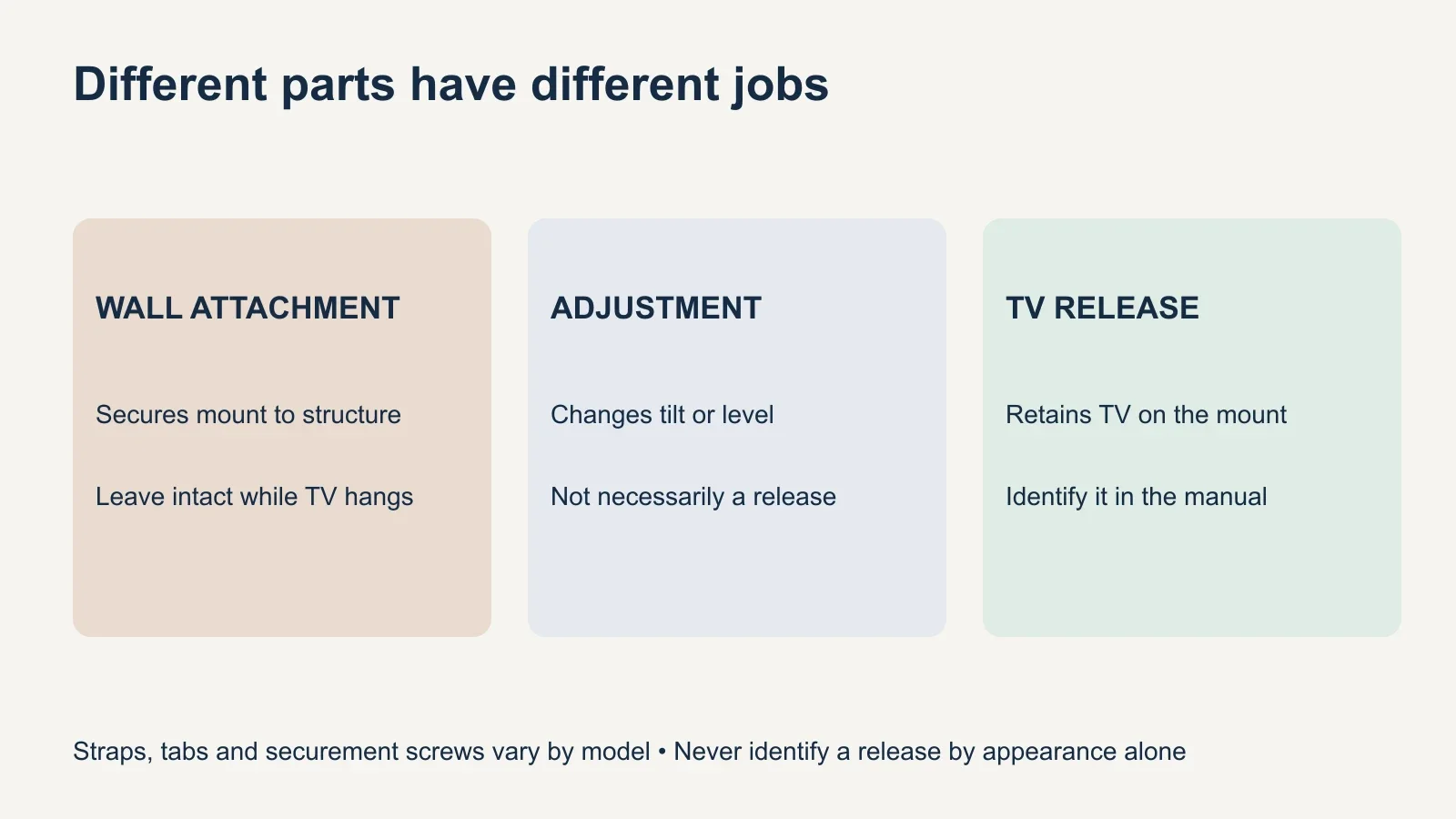
A fixed mount keeps the television close to the wall; a tilt mount changes its vertical angle; a full-motion mount uses moving arms. Those descriptions help orient you, but mount type alone does not identify the release. Some models have straps, some use tabs or screws, and some combine several retaining features.
| Mount example | Documented release feature | What this does not mean |
|---|---|---|
| Fixed: SANUS OLL15 | Pull-down straps release the TV brackets before lifting up and out | Every fixed mount has straps |
| Tilt: SANUS VMPL50A | Locking tabs on both vertical brackets release from the wall plate | Tilt-adjustment knobs are the release |
| Full motion: SANUS VLF728 | Securement screw and release cord precede lifting from the arm assembly | Removing one visible screw frees every articulating mount |
| Unknown or specialty mount | Identify the model and obtain its instructions first | A generic lift-and-pull method is appropriate |
These examples show why the manual matters; they are not interchangeable instructions. Check the complete procedure for your model and revision, including any required tool and handling position. If the bracket behind your TV does not match the diagram, pause and confirm the model with its manufacturer or an installer.
Prepare the room and the people before releasing anything
Clear the path from the wall to the place where the television will be set down. Use a destination and support method permitted by the TV manufacturer, with enough space for the whole set and any attached brackets. Do not assume a sofa, bed or loose blanket provides suitable support for every panel design.
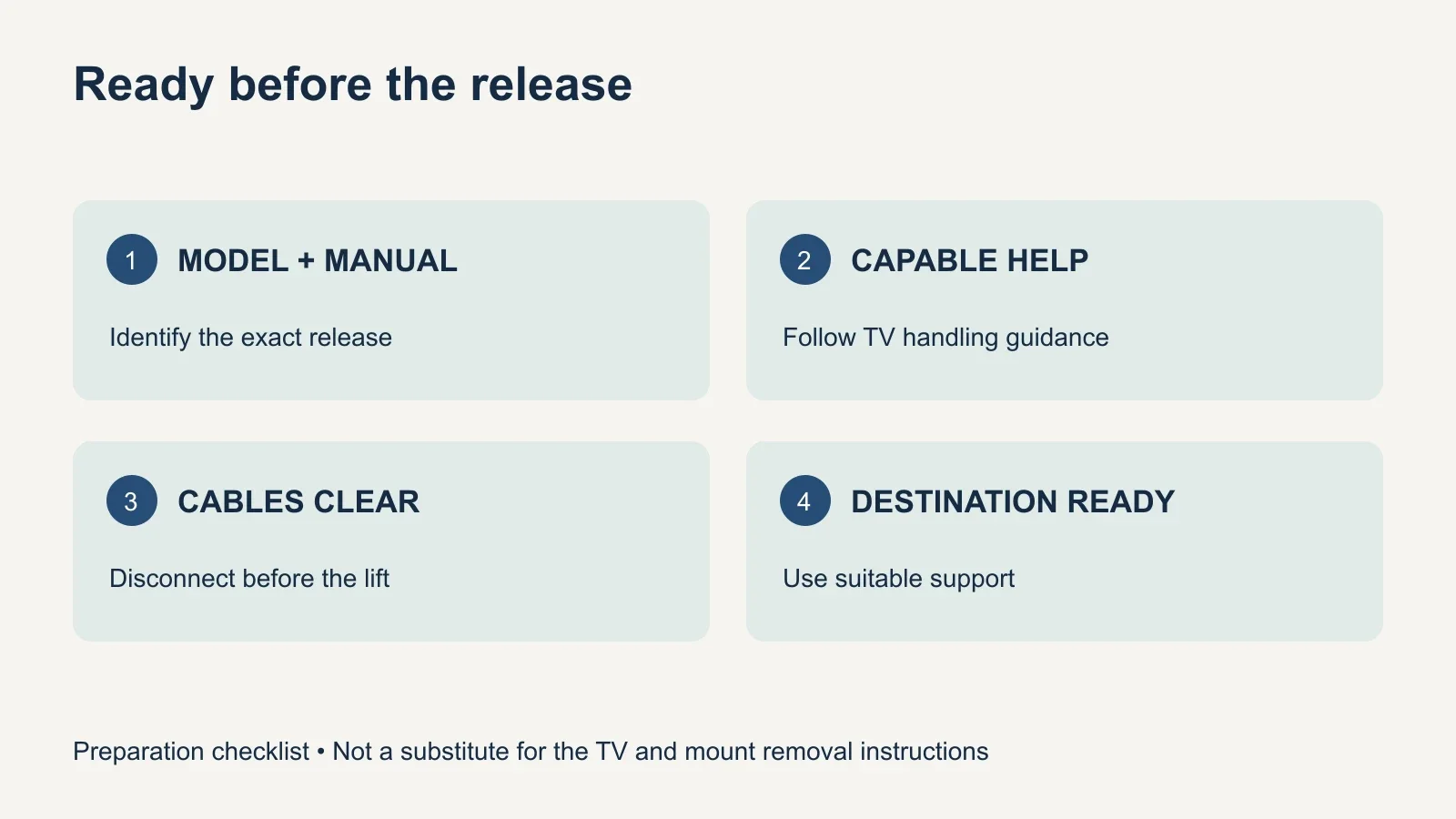
Read the TV’s handling instructions, including where to hold it and how many people are needed. Large screens can be awkward even when their weight seems manageable. Arrange capable help before starting, and agree who will support each side and who can reach the release. No one should have to hold the screen while another person searches for tools.
- Exact TV and mount model numbers, with both manuals available.
- A clear route and a prepared, stable destination for the television.
- Enough capable helpers and room for each person to work.
- The specified hand tool, if the release uses a fastener.
- Photos or labels for connections, plus a container for removed parts.
Disconnect cables without loading the ports
Turn off the TV and connected equipment, then disconnect power and the other connections needed for removal. Photograph or label them first if you will reconnect the system later. Release any connector locks as designed and hold the connector itself rather than pulling on the cable. Check for a separate connection box or a cable secured to the mount.
If connections are inaccessible, use only the access movement allowed by the mount’s instructions. Do not release the TV first and hope the cables will reach while someone unplugs them. A soundbar or other attached accessory also changes the handling plan; decide from its instructions whether it stays attached or comes off before the TV.
Use the procedure for your mount type
For a strap-release fixed mount, the straps operate retainers; they are not carrying handles. On the SANUS OLL15, the documented sequence releases the brackets using the straps, then lifts the television up and out from the wall plate. Apply that example only to the identified model, with the required assistance and the television supported throughout the release.
On the tilting SANUS VMPL50A, the manual instead describes flipping the locking tabs on the two vertical brackets away from the wall plate, followed by lifting up and out. The tilt-tension controls and leveling adjustments have different functions. Do not loosen an adjustment just because it is easier to reach than the actual retaining tab.
A full-motion system may separate at the interface between the television and arm assembly. The SANUS VLF728 manual requires disconnecting cables, removing its designated securement screw, operating the release cord and carefully lifting the television from the arm. Its instructions for removing the arm assembly are separate. Do not substitute disassembling the arm for releasing the TV.
Lift together and stop if the TV does not release
Once the room, cables and people are ready, follow the manual’s release and lifting direction together. Keep the television controlled and avoid pressure on the display panel. Move to the prepared destination and support it as its manufacturer directs before anyone lets go. Keep any removed retaining parts labeled with the mount.
If the TV will not move as shown, stop instead of lifting harder or prying between the screen and wall. A second lock, retained cable or different bracket design may still be holding it. Return to a stable supported condition according to the manual and ask for help if you cannot determine what is preventing release.
Spring-assisted pull-down mounts, motorized systems, recessed installations and proprietary flush mounts need their own procedures. Do not improvise around stored spring force or try to remove a screen while a powered mechanism can move. An inaccessible lock, damaged bracket or high installation is also a reason to use an installer familiar with the equipment.
Separate TV removal from the rest of the job
Taking down the television, removing the wall plate, repairing holes and installing a replacement are different tasks. Leave the wall plate alone until the TV is safely supported elsewhere. If you plan to reuse the mount, check the replacement’s load, mounting pattern, hardware and clearance rather than assuming the existing bracket will suit it.
Before booking TV mounting help, send UPTask the TV model, a photo of the complete setup and the mount model if known. Specify whether you need removal only, a new TV installed, the bracket removed or wall repairs assessed. For planning a different setup, the mount-type guide explains the movement each design provides.